
Introduction
Build production-ready AI experiences with generative UI, presentations, and reports, backed by reliable model access and output validation.
OpenUI Cloud is a managed platform for building production-ready AI experiences that go beyond text. Agents can respond with interactive interfaces, generate editable presentations, and create rich long-form reports, all directly from a conversation.
It combines OpenUI's generative UI capabilities with reliable model access, automatic fallbacks, and output validation.
What you get
- Production hardening: Run generative UI reliably in production with managed model access, automatic fallbacks, and output validation. Requests are rerouted when a model or provider is unavailable, and generated output is validated before it reaches the interface.
- Bring your own model key (BYOK): Use your own OpenAI, Anthropic, or Google API key with OpenUI Cloud on any plan, including the free tier. See Models and BYOK.
- Generative UI for agents: Let agents respond with rich, interactive interfaces instead of walls of text. Each response can assemble the components best suited to the task.
- Built-in component library: Use a pre-tested, responsive, and accessible set of components: forms, inputs, interactive charts, accordions, tabs, and other layout components.
- Bring your own component library: Generate interfaces using your own components and design system while OpenUI Cloud provides model reliability, output validation, and observability.
- Slides: Generate presentations from conversations using well-designed templates for charts, images, and structured content. Review decks in an interactive viewer, edit slides manually, and export them to PowerPoint.
- Reports: Generate long-form documents from conversations using rich components for metrics, charts, tables, images, and structured content. Review reports in a dedicated viewer and export them to PDF.
OpenUI vs. OpenUI Cloud
| Capability | OpenUI | OpenUI Cloud |
|---|---|---|
| Generative UI rendering | Included | Included |
| Streaming and progressive rendering | Included | Included |
| Component library | ⚠️ Basic component library | Production-ready built-in library or bring your own |
| Model access and automatic fallbacks | Not included | Included |
| Output validation | Not included | Included |
| Observability | Not included | Included |
| Slides | Not included | Interactive viewer, manual editing, and PowerPoint export |
| Reports | Not included | Dedicated viewer, manual editing, and PDF export |
Production hardening
Generative UI depends on models and providers that can fail, slow down, or return invalid output. OpenUI Cloud handles these production concerns for you.
Requests are automatically routed to a fallback when the selected model or provider is unavailable. Generated output is validated against the component library before it reaches the interface, preventing malformed structures and unsupported components from being rendered.
Request
Model routing and fallback
Output validation
Interface
Observability across model usage, latency, errors, and render success
Choose an API
Generative UI for agents
Agents can respond with interfaces that match the task instead of returning only text. They can present a form to collect information, visualize data with a chart, or organize a detailed response with tabs and accordions.
Built-in component library
OpenUI Cloud includes a pre-tested, responsive, and accessible set of components for forms, inputs, charts, content organization, and interactive actions.
Bring your own component library
Connect your own design system and domain-specific components. Agents can use them to generate interfaces while OpenUI Cloud provides model reliability, output validation, and observability.
Slides
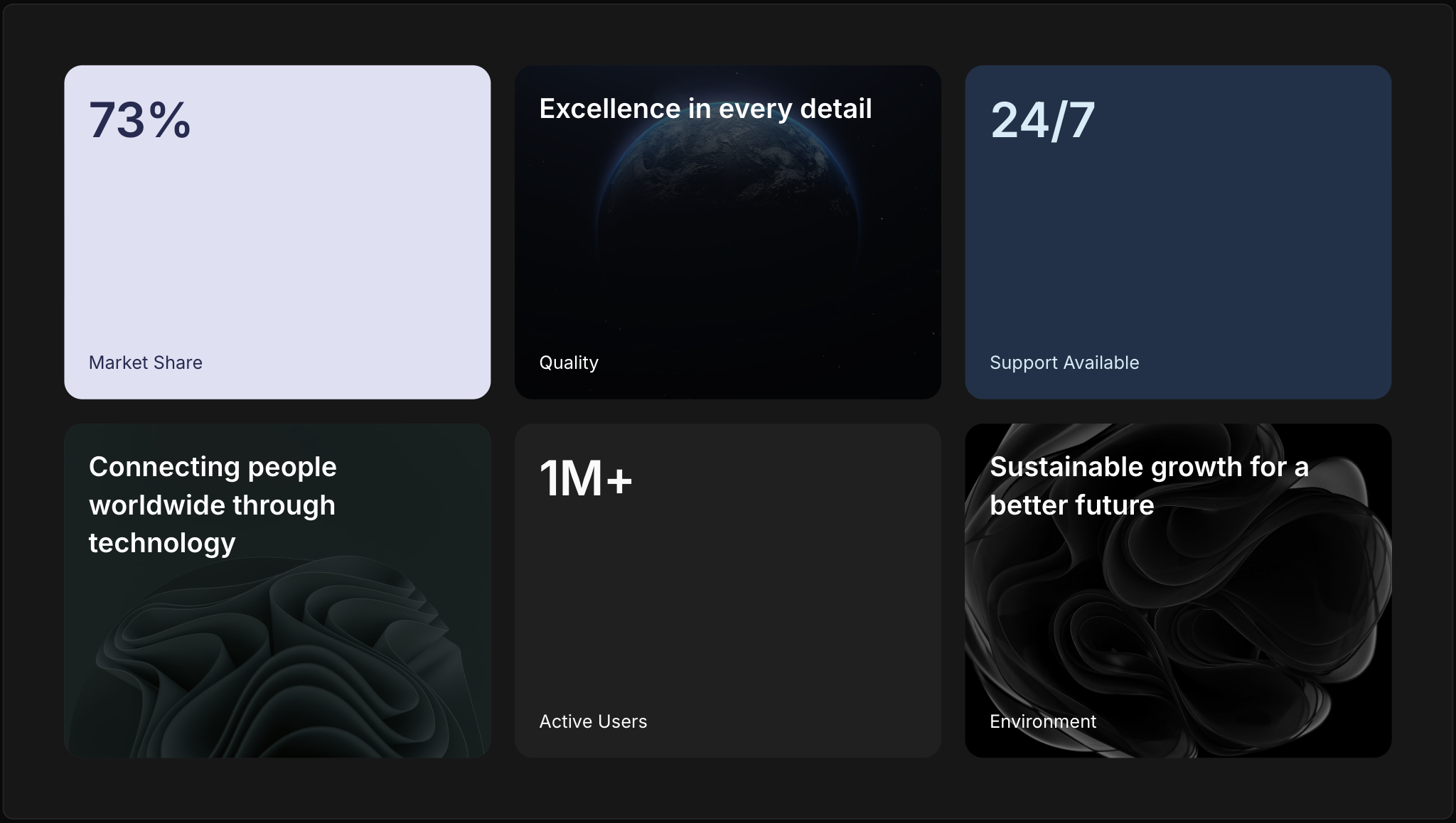
Using OpenUI Cloud, agents can generate presentations from conversations with well-designed templates for titles, charts, images, comparisons, and other common slide layouts.
Generated decks open in an interactive viewer where you can review the presentation, edit slides manually, and export the finished deck to PowerPoint.


Reports
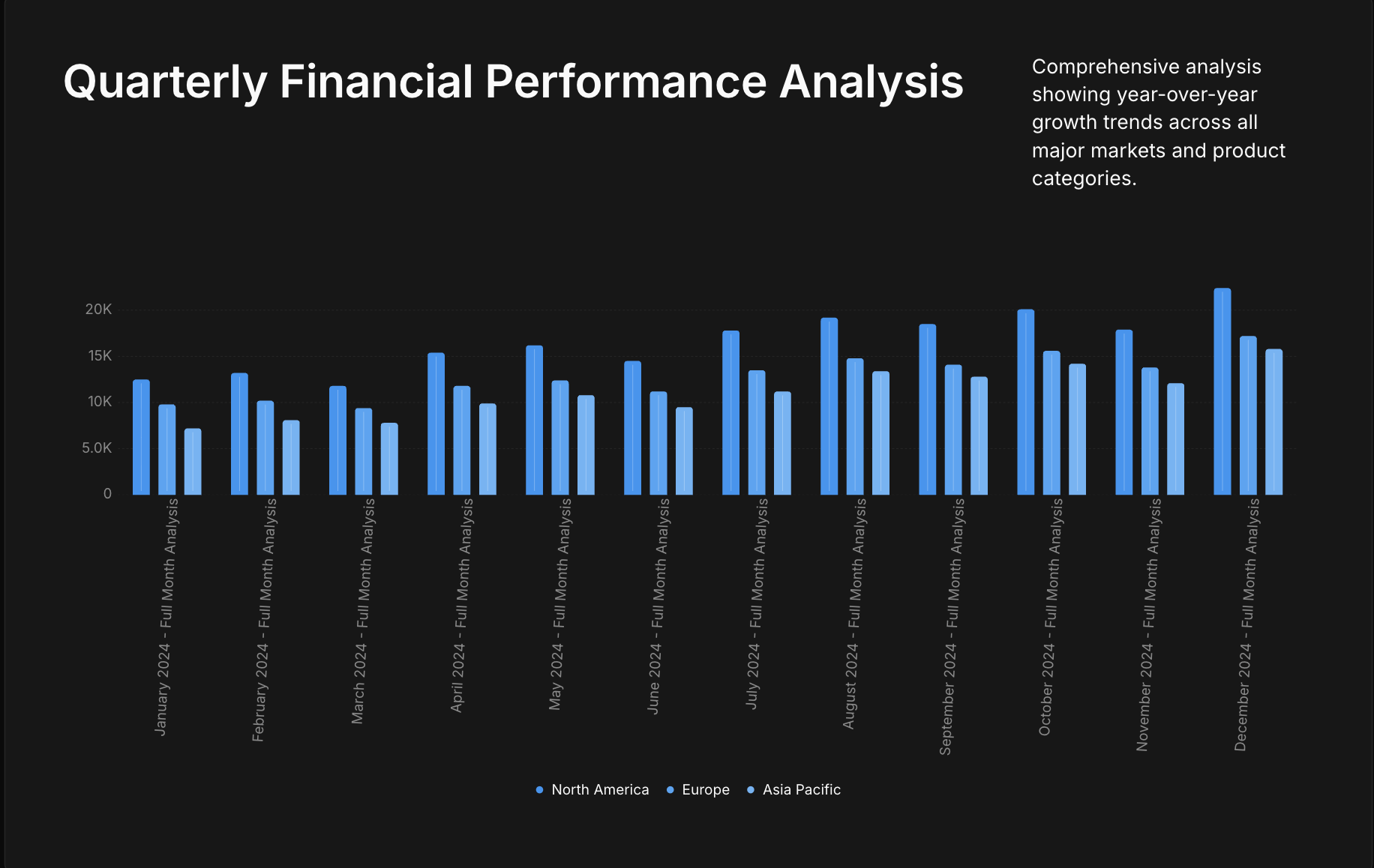
Using OpenUI Cloud, agents can generate long-form reports from conversations with rich components for metrics, charts, tables, images, and structured content.
Generated reports open in a dedicated viewer for reading and review, and can be exported to PDF.
To build your first application, see Get Started. To learn more about the architecture, see How it works.