Slides
Generate presentations with well-designed templates, manual editing, an interactive viewer, and PowerPoint export.
Using OpenUI Cloud, agents can generate presentations from a prompt or conversation with well-designed templates for titles, charts, images, comparisons, and other common slide layouts.
Generated decks open in an interactive viewer where you can review the presentation, edit slides manually, and export the finished deck to PowerPoint. Decks can also be refined through conversation, and every version is stored automatically.
Title slides
Standard title
A bold heading with an optional subtitle and helper label, and an image placed beside or below the text.

Minimal title
A large heading with an optional subtitle and a meta row carrying an author block and helper label. Supports a full-bleed background image.

Dramatic title
An oversized heading for high-impact openings, stacked or side-by-side with a subtitle column, with an optional full-bleed background image.

Content slides
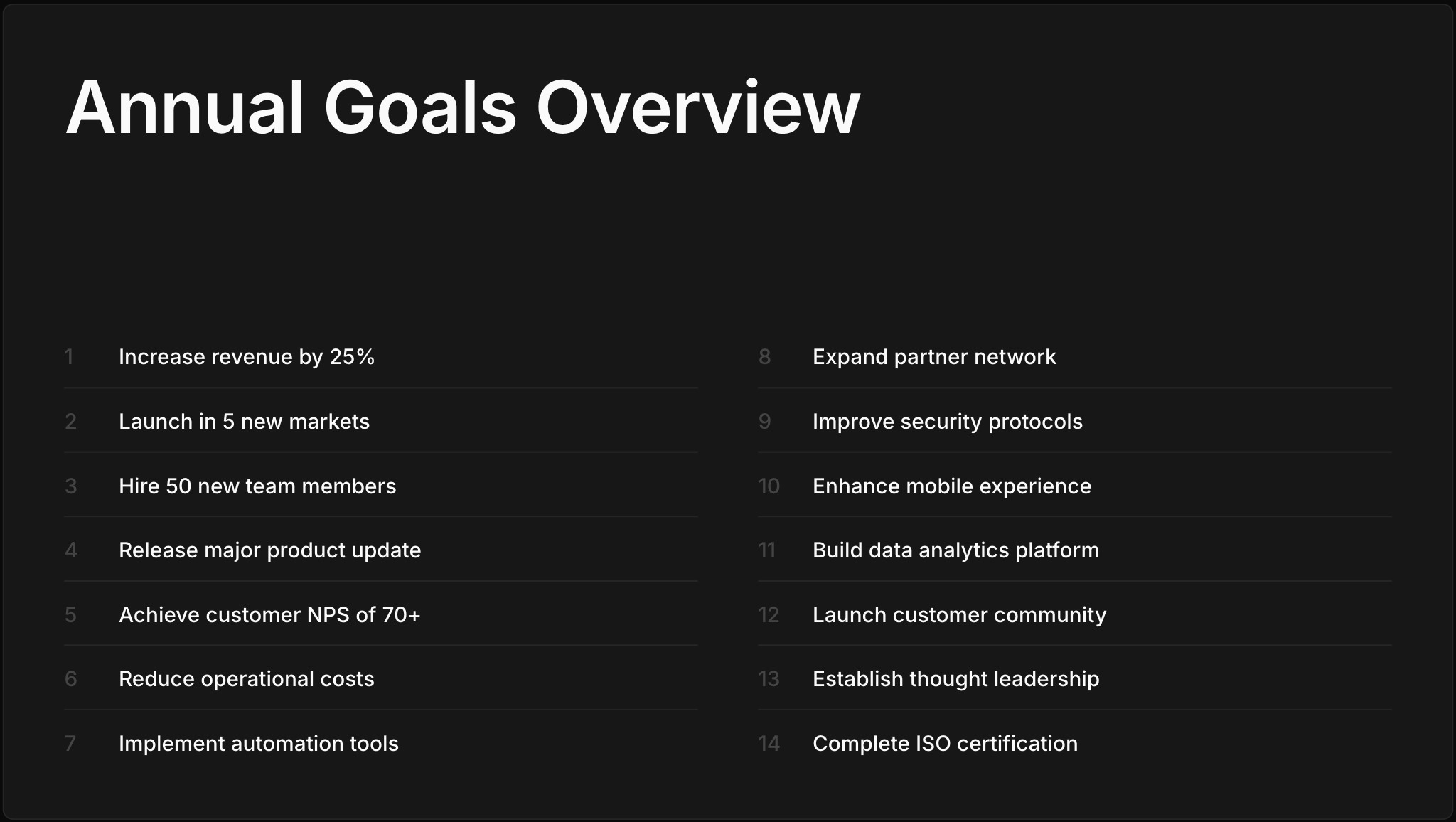
Content classic
A numbered list with a section title and up to 16 items; typography scales and items flow into two columns as the list grows.
Content expressive
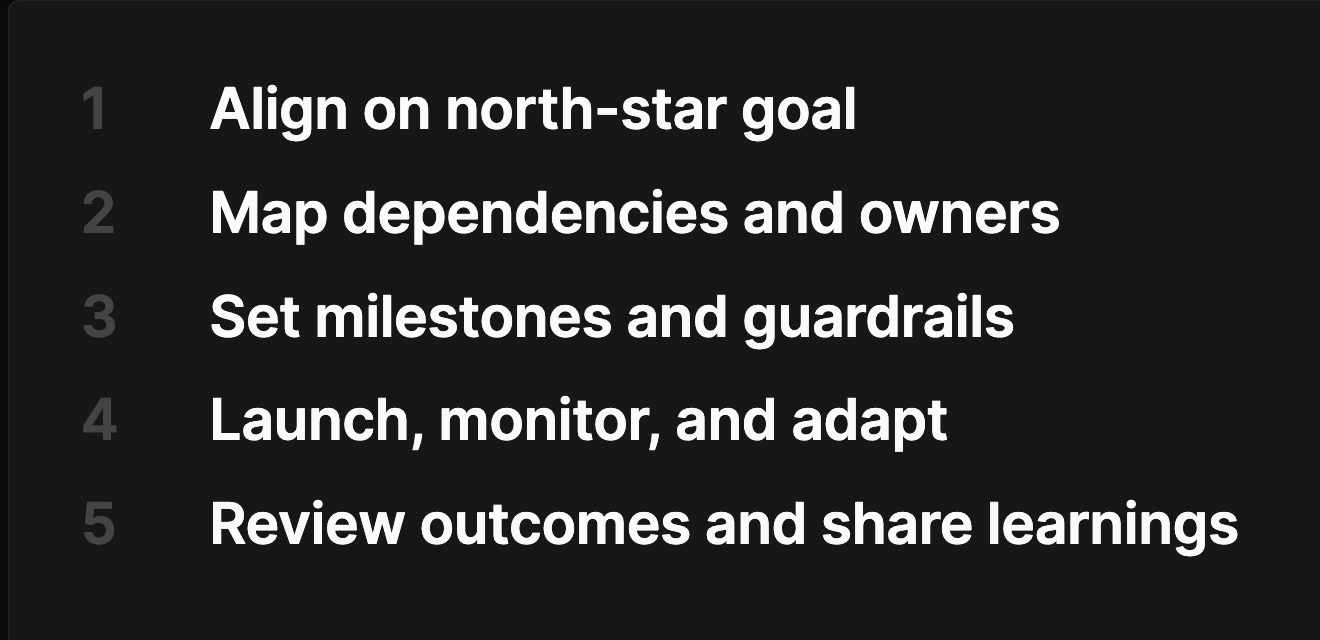
A titleless numbered list at large display size, suited to short, emphatic lists.
Section breaks
Section break classic
A single centered heading marking a new chapter, with an optional full-bleed background image.

Section break dramatic
A dominant title with a supporting paragraph, in horizontal or stacked arrangements, with an optional background image.

Key figure slides
Hero metric
A single headline metric with a caption, stacked or side-by-side, with an optional full-bleed background.

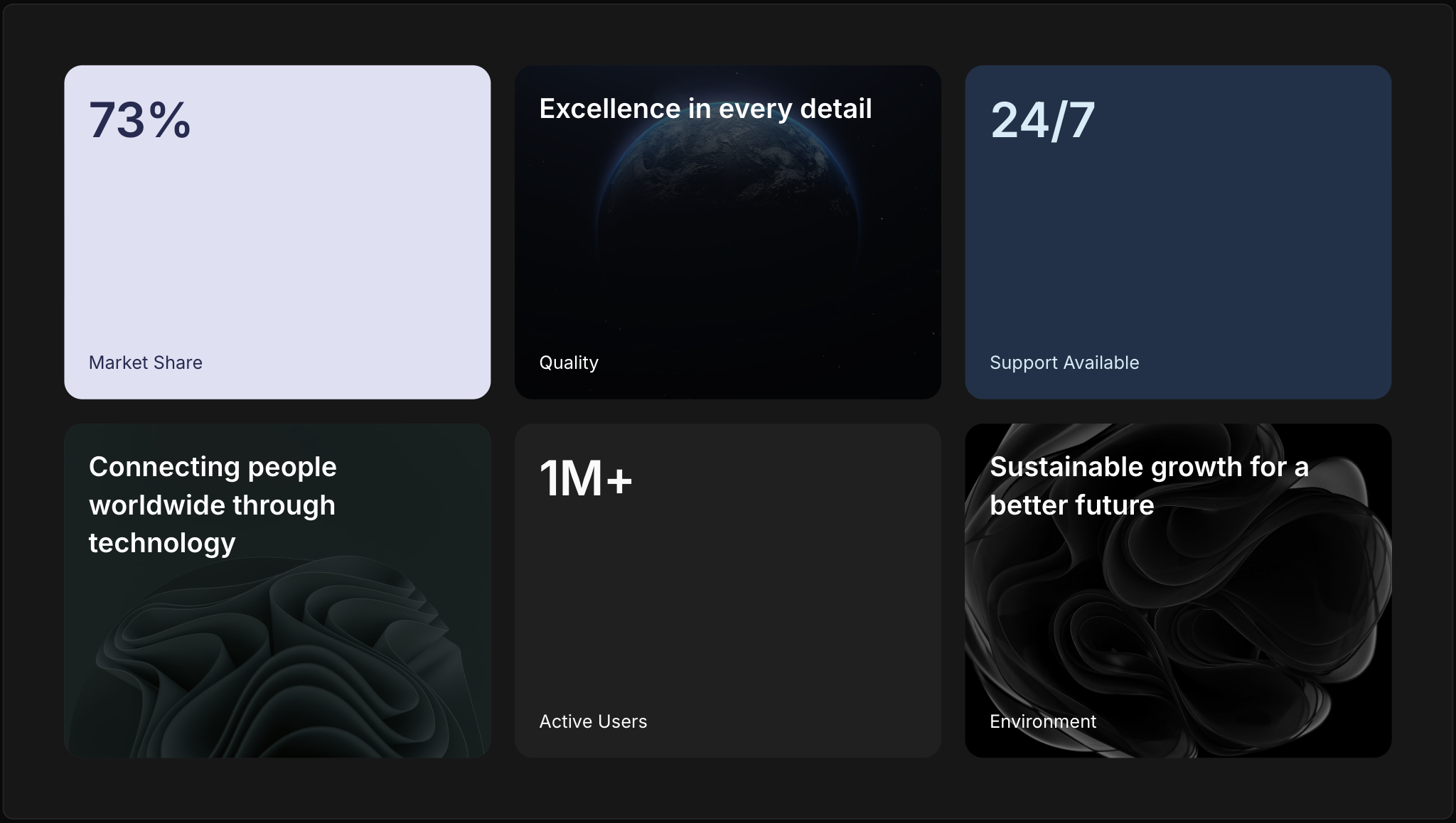
Insight grid
A grid of five to nine insight tiles, each with primary and secondary text on a color or image background.
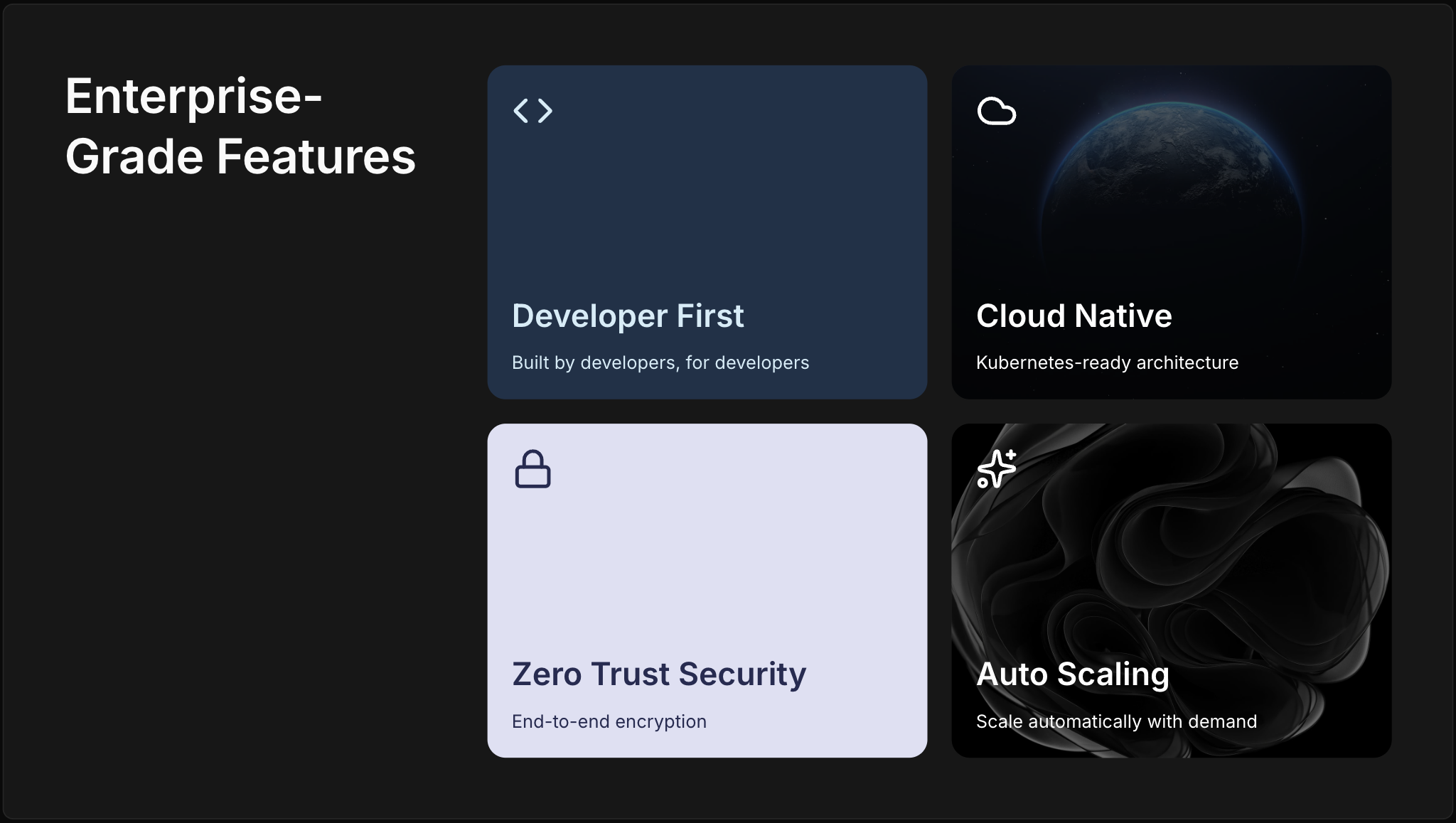
Feature highlights
Two to four feature tiles, each with an icon, text, and a color or image background.
Headline statement
A two-line statement with an eyebrow and headline, plus an optional full-bleed background image.

Key info
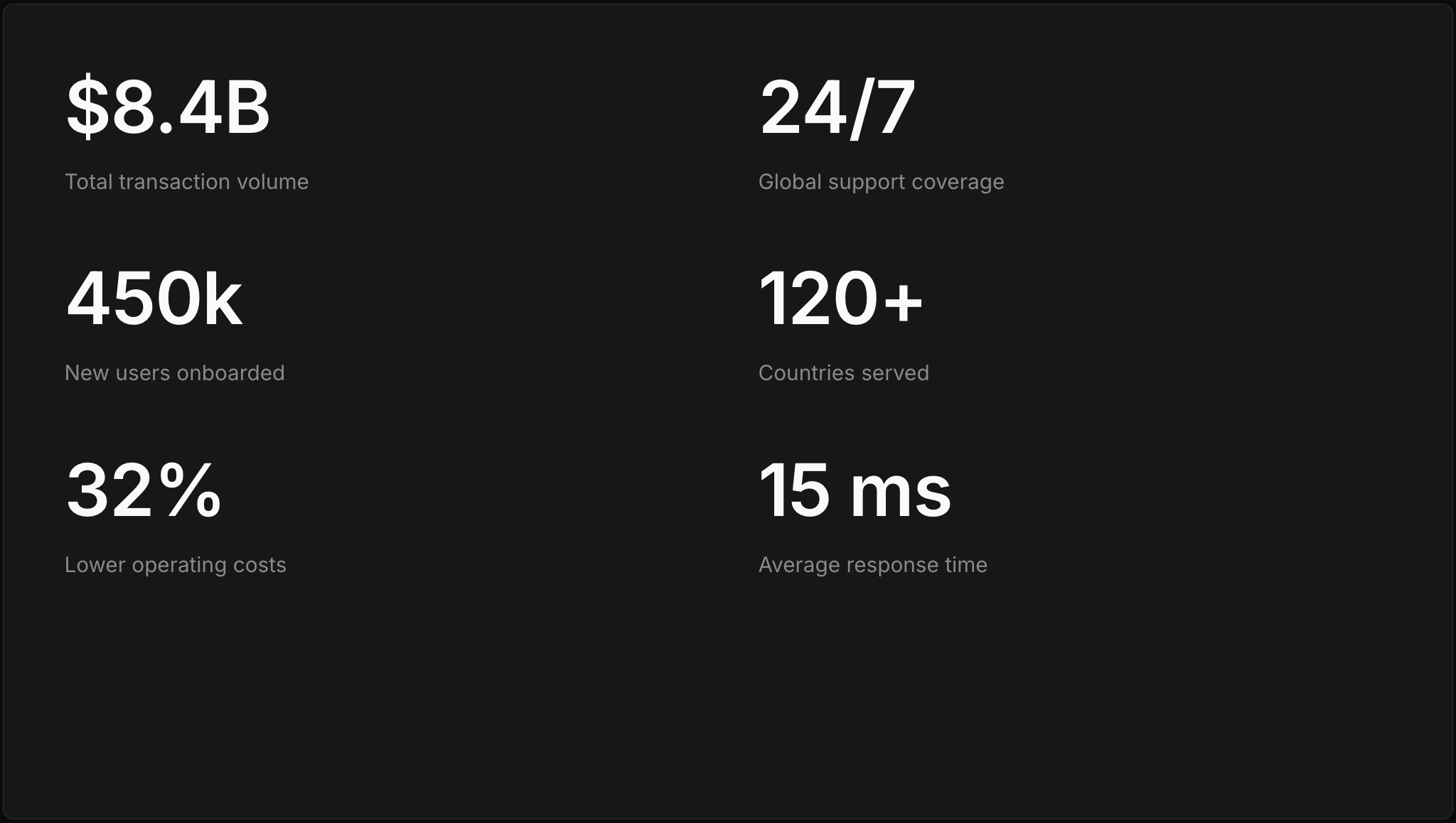
Up to six title-and-description items distributed across one or two columns.
Key info with title
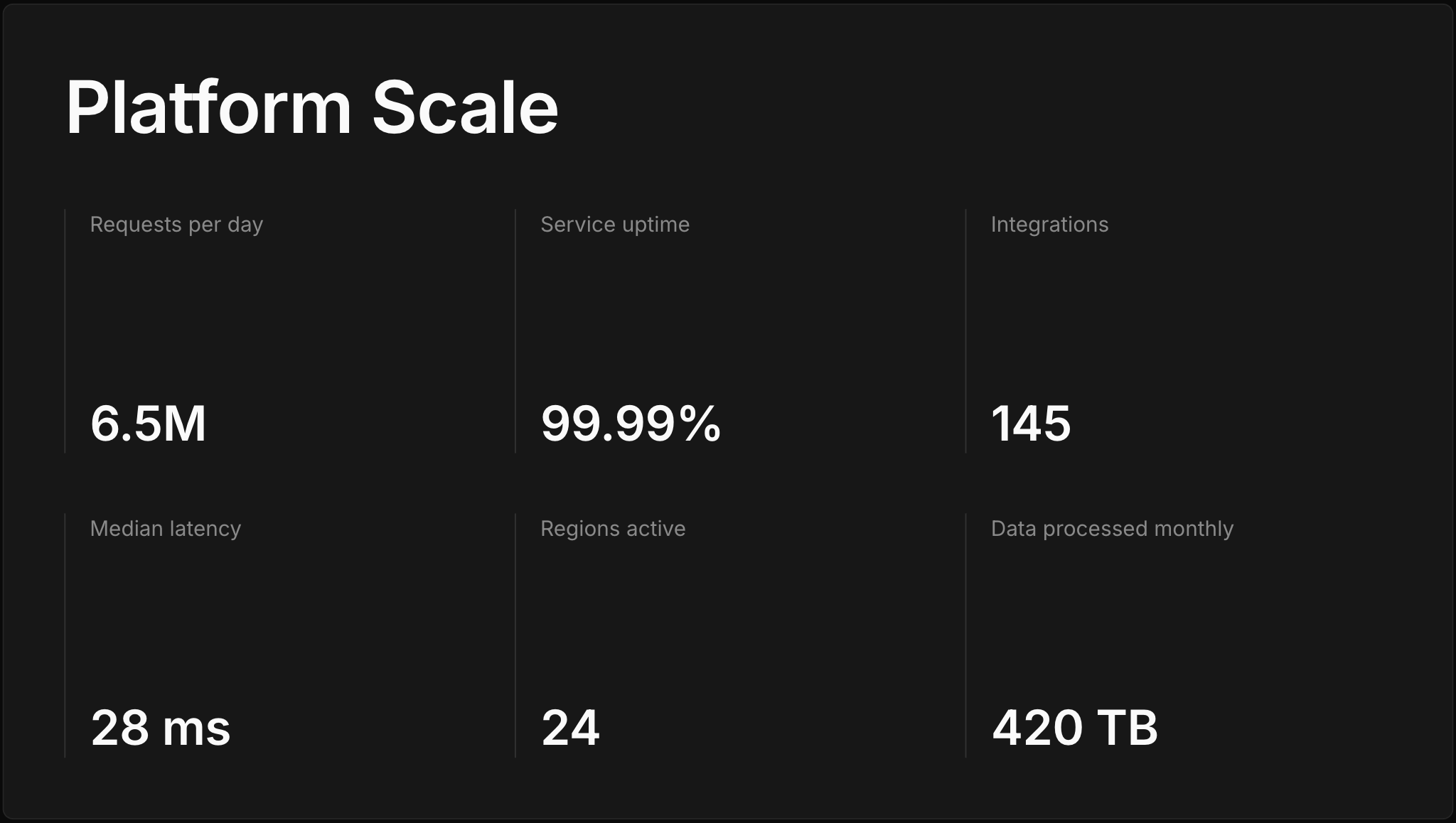
A titled set of two to six key info items in grid or list arrangements.
Numbered key points
Two to eight numbered points with title and body, arranged to fit the count.
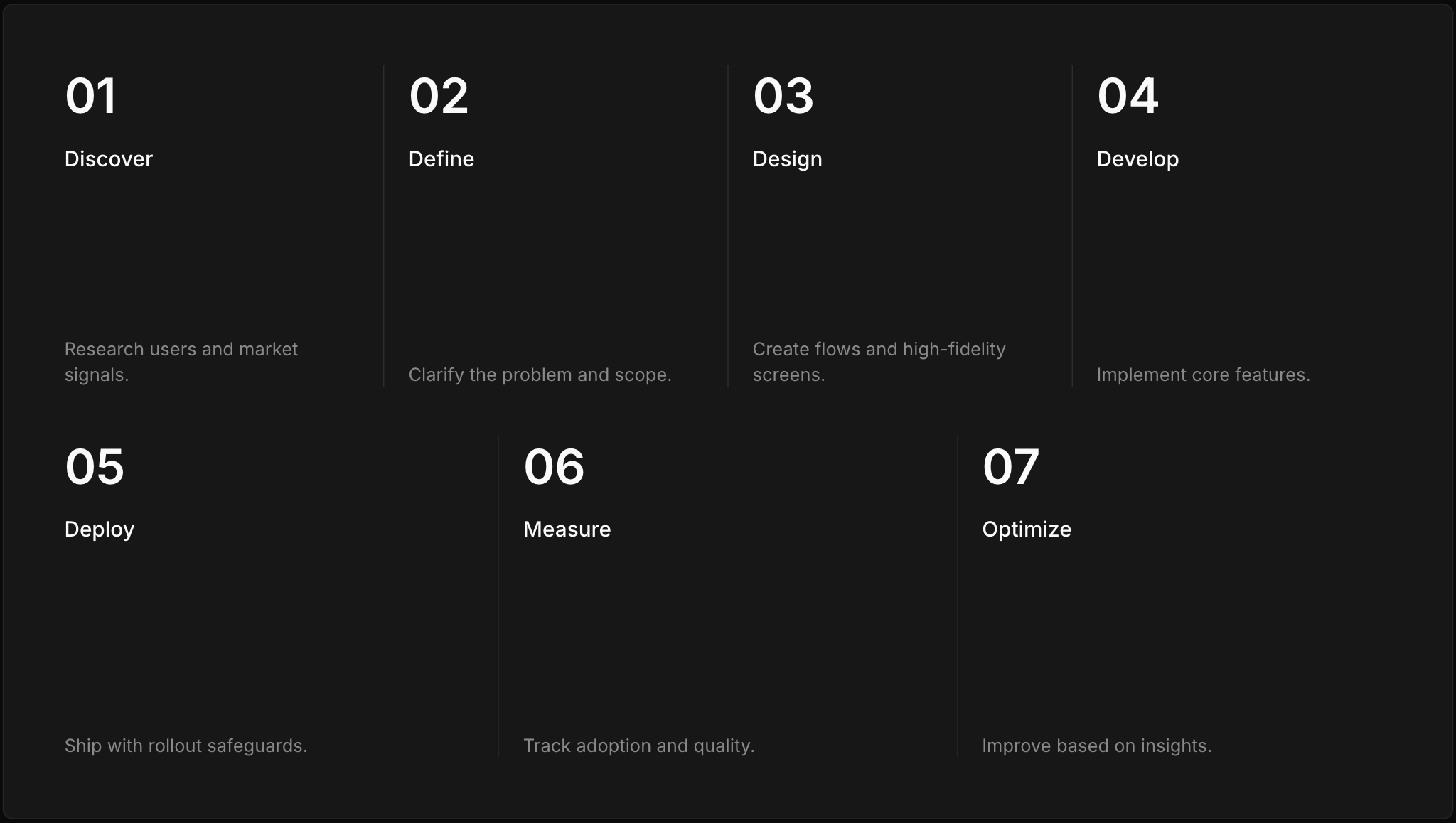
Chart slides
Chart with context
A titled slide with one chart and an optional body paragraph, in five layout variants.
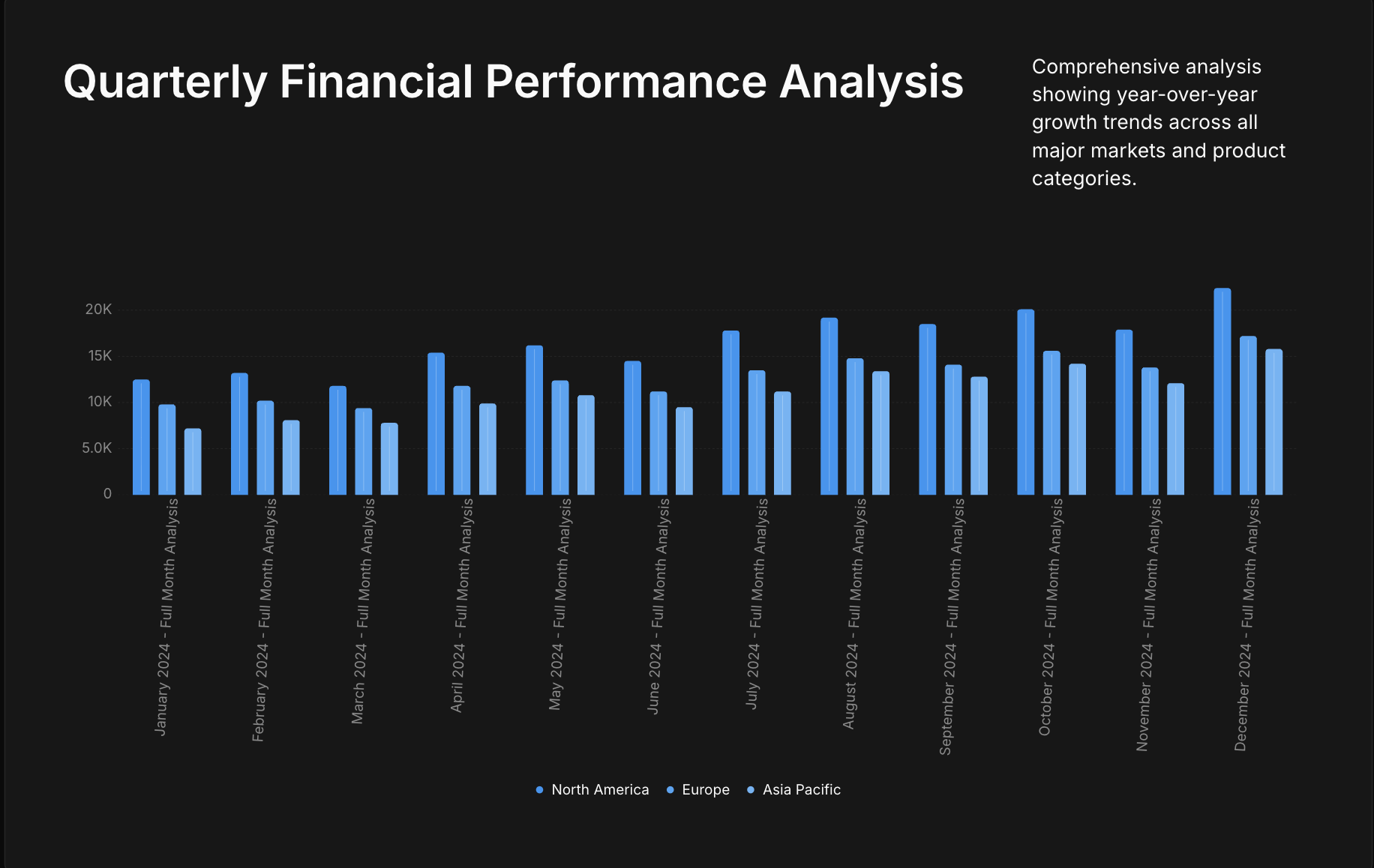
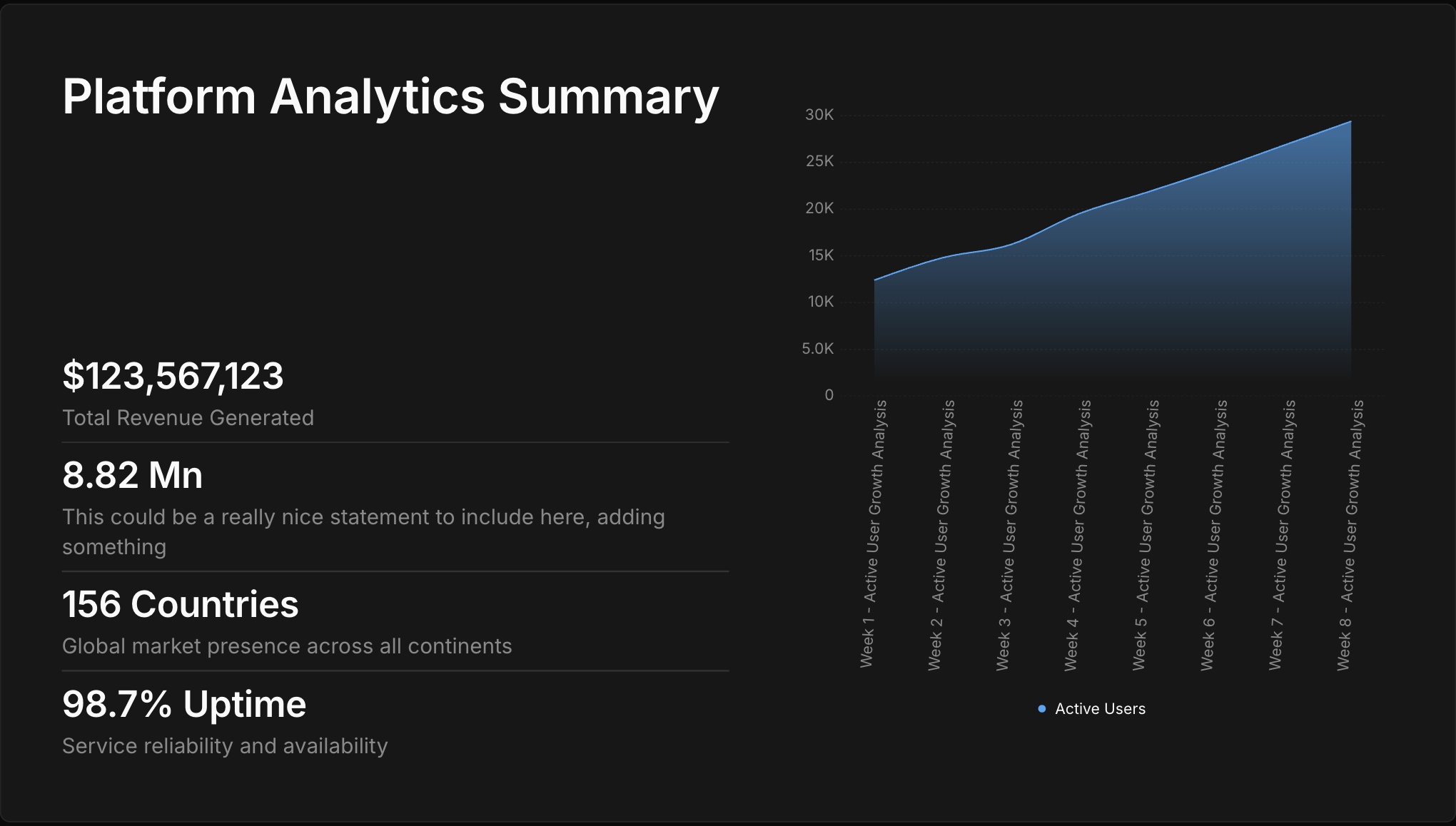
Chart with metrics
Up to four metric callouts on the left with a chart on the right.
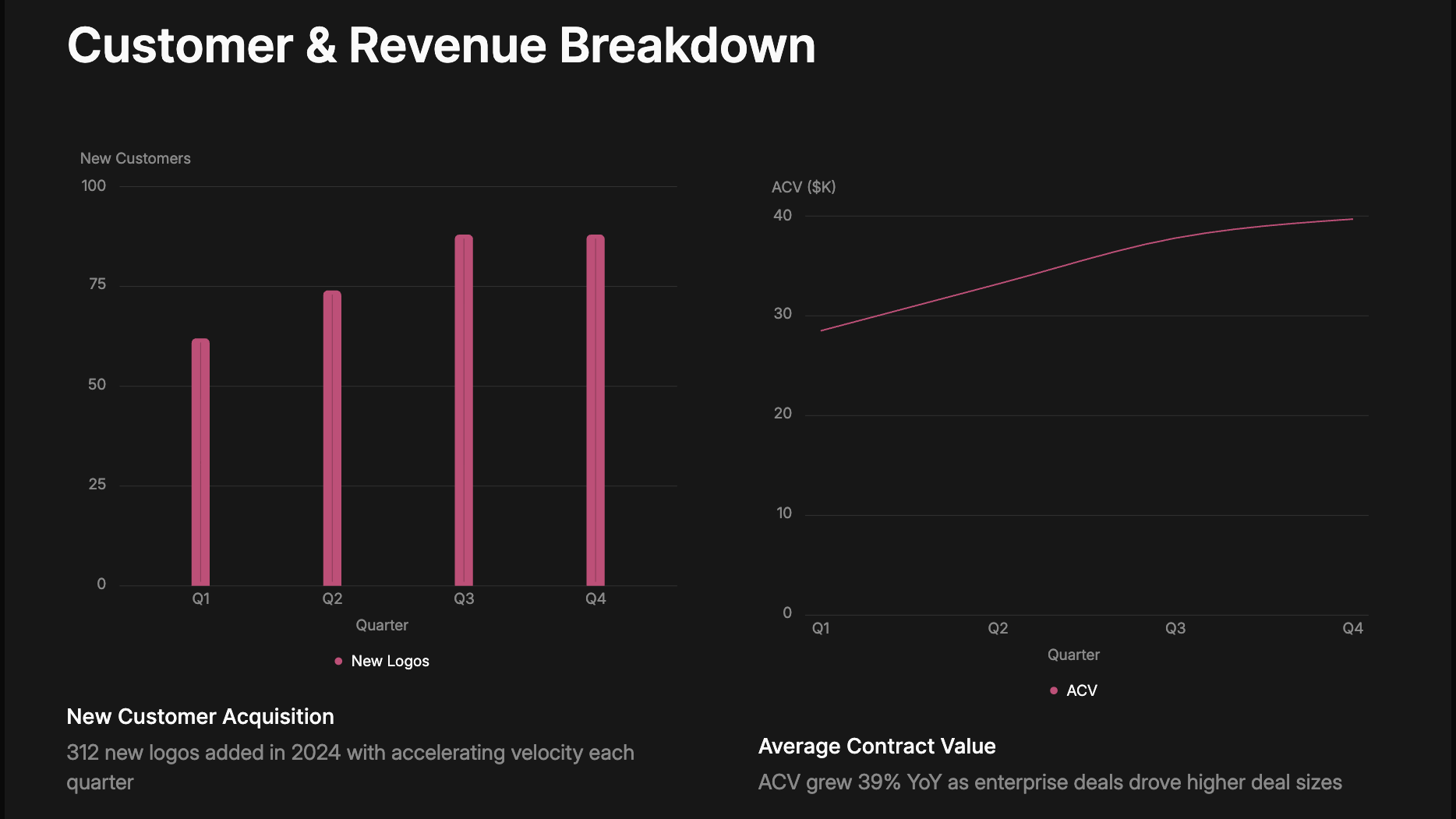
Dual charts with context
One or two side-by-side chart cards, each with a short title and caption, suited to comparisons.
Pie and radial with context
A slide dedicated to pie or radial charts, with a large title on the left and the chart filling the right.
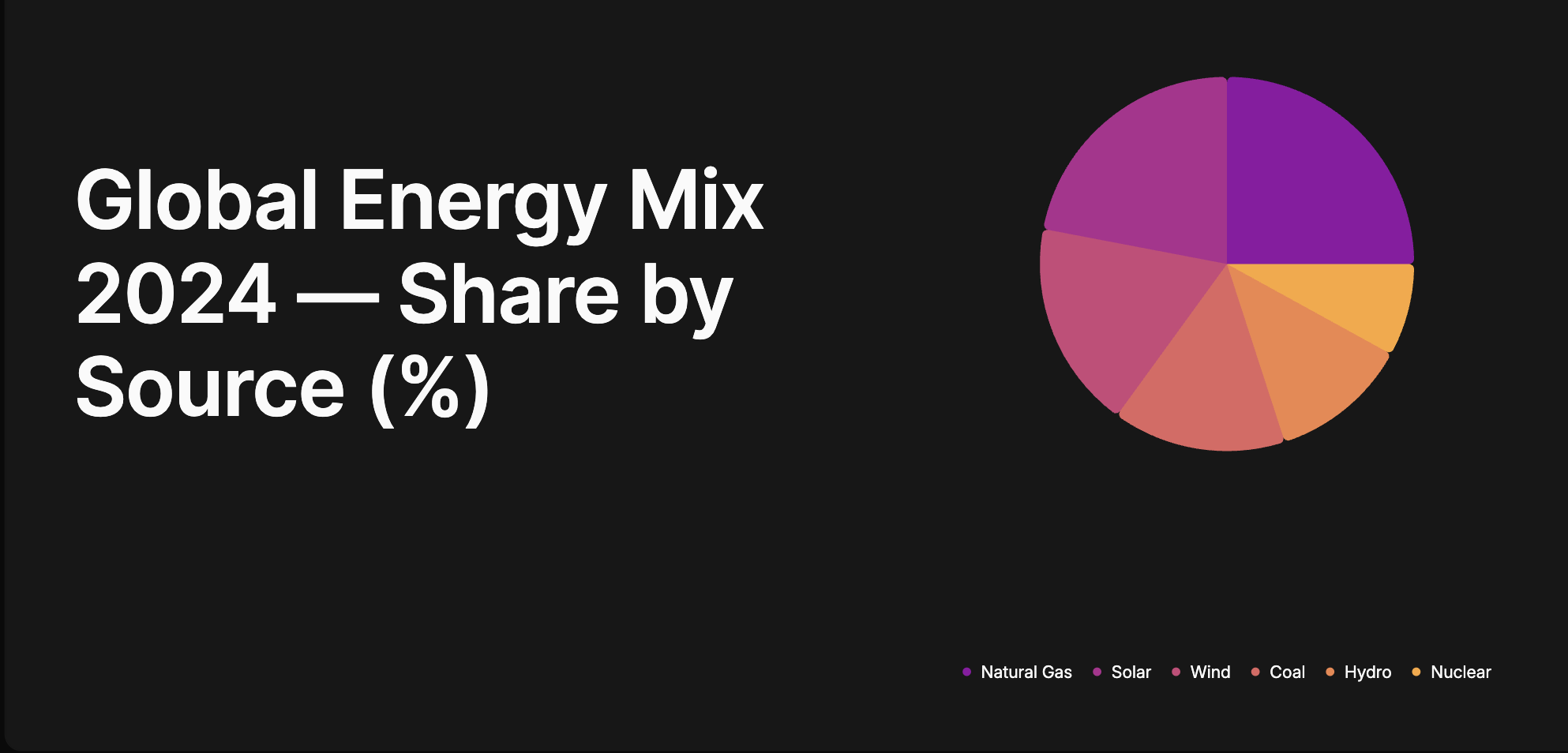
Image slides
Images
One to four images in an adaptive grid, suited to photo-forward moments with no text.

Image with text slides
Content with image
A title and optional body paired with an image grid, with image-right and image-center layouts.

List with image
Up to four icon list items on the left, paired with a square image grid on the right.
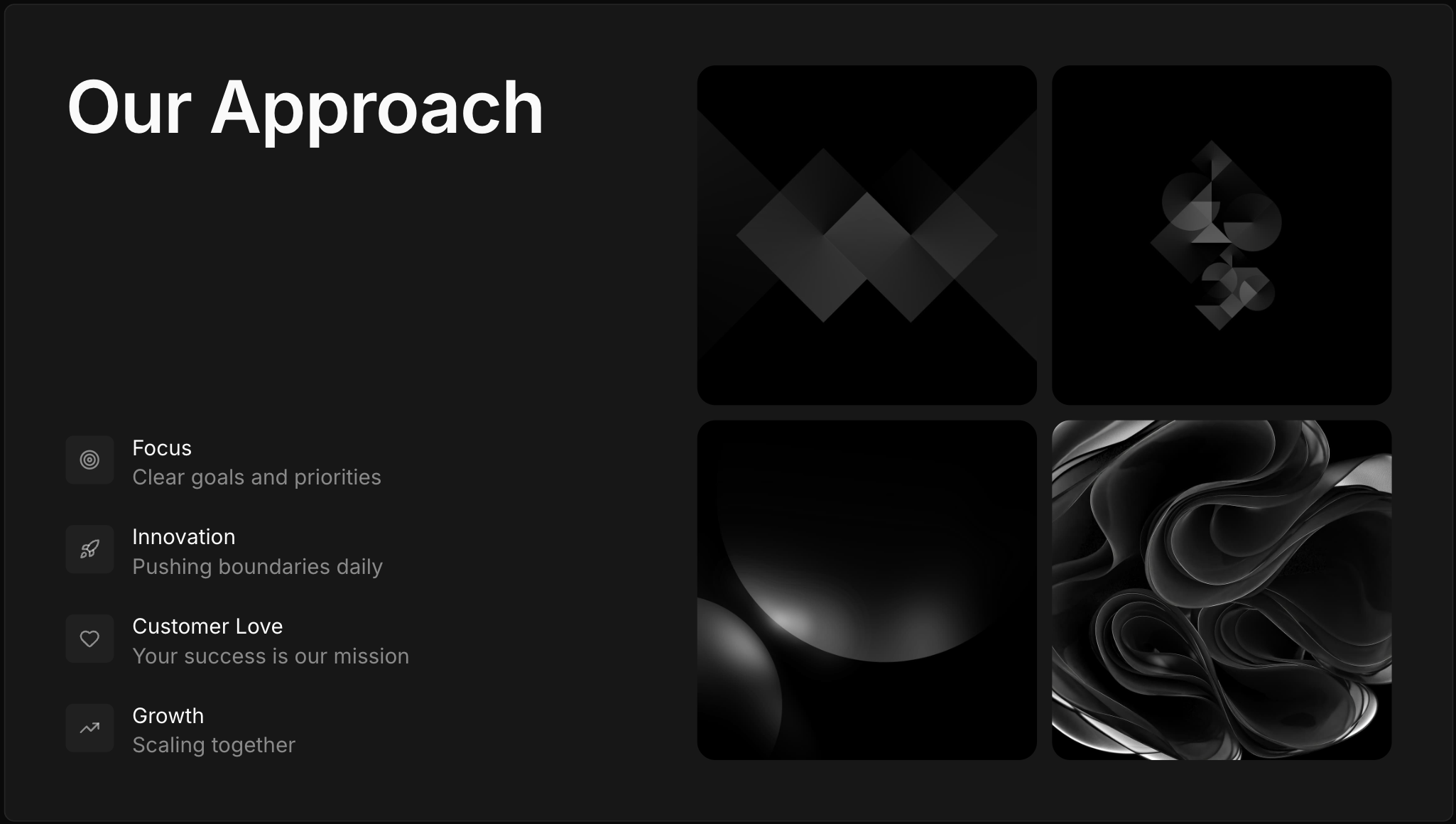
Metrics with image
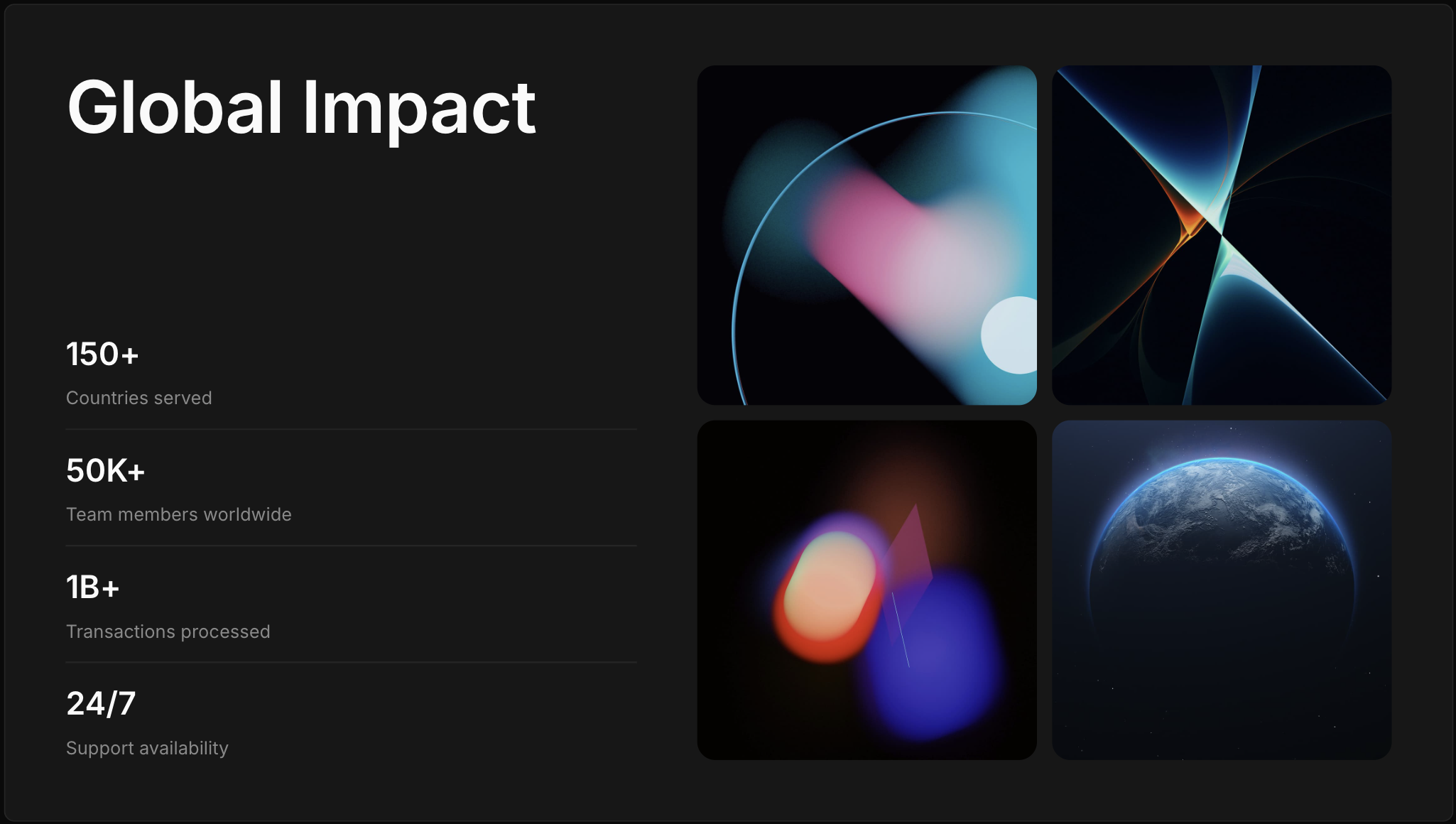
Up to four metrics on the left, paired with a square image grid on the right.
Personnel showcase
A titled grid of up to eight people, with a portrait, name, title, and optional bio for each.

Visual cards
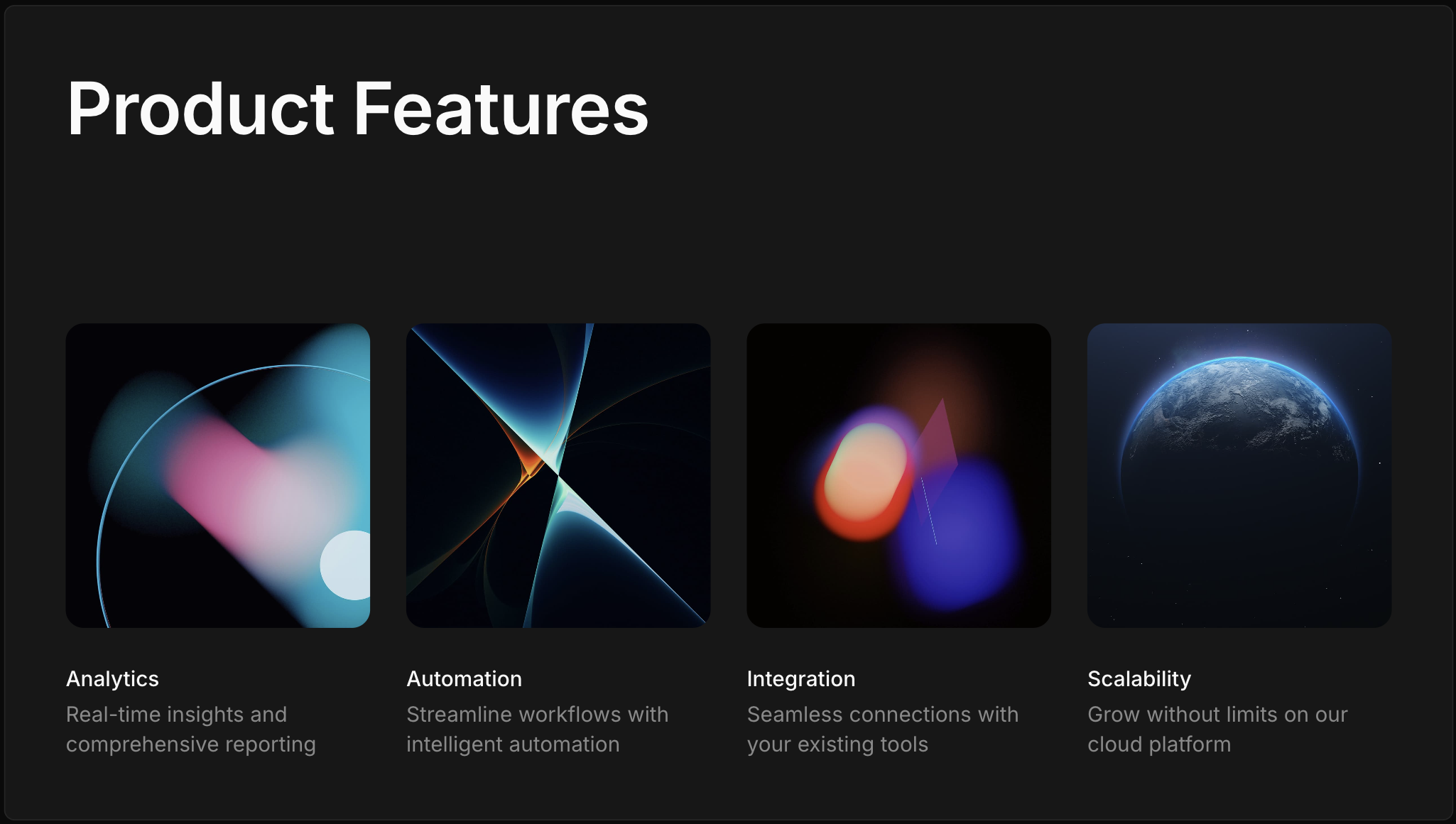
A titled row of up to four cards combining image, title, and body.
Text slides
Text body
A title with multiple body paragraphs, in centered or left-anchored layouts.

Pull quote
A quotation with an optional author line, centered or top-anchored, over an optional background image.