

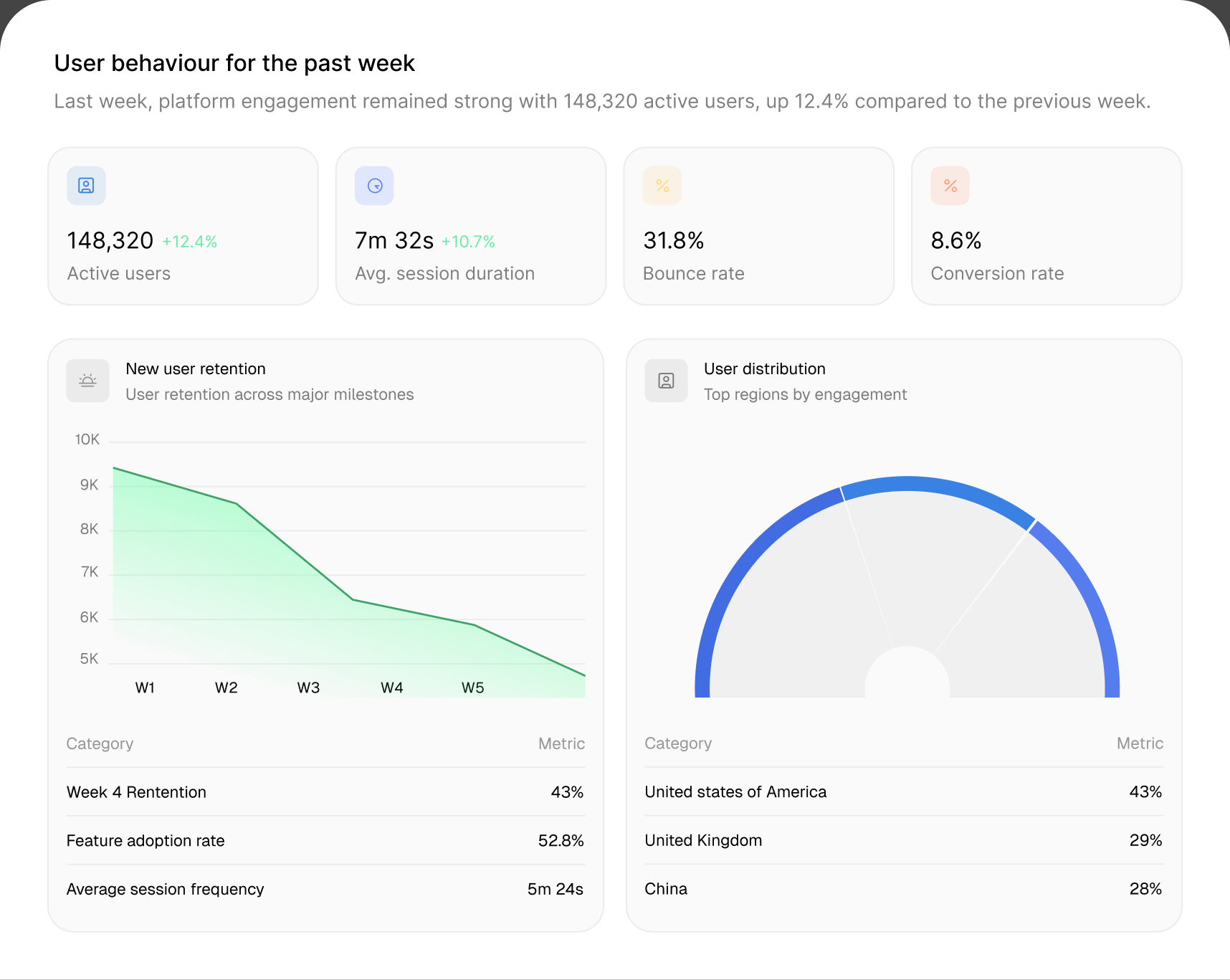
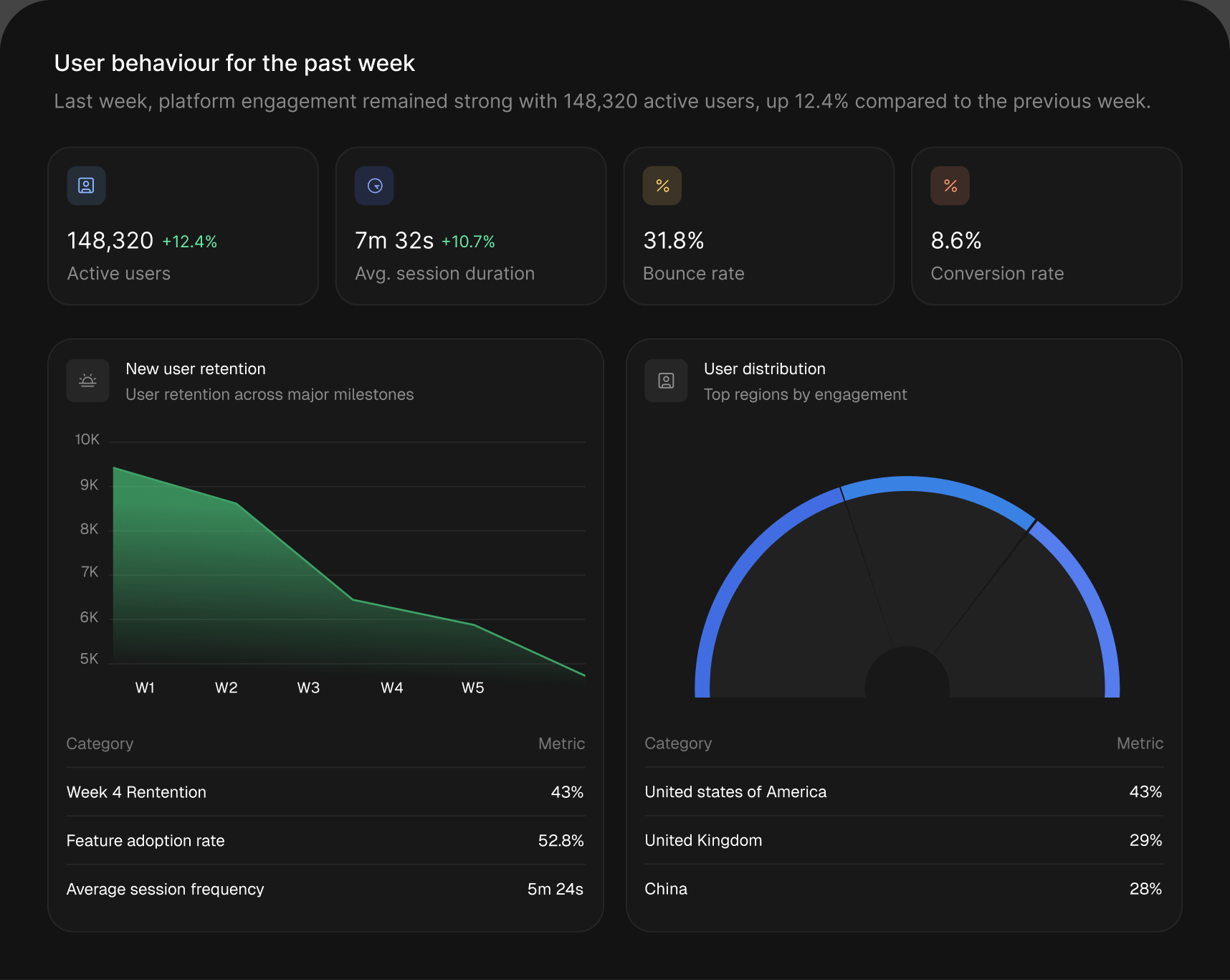



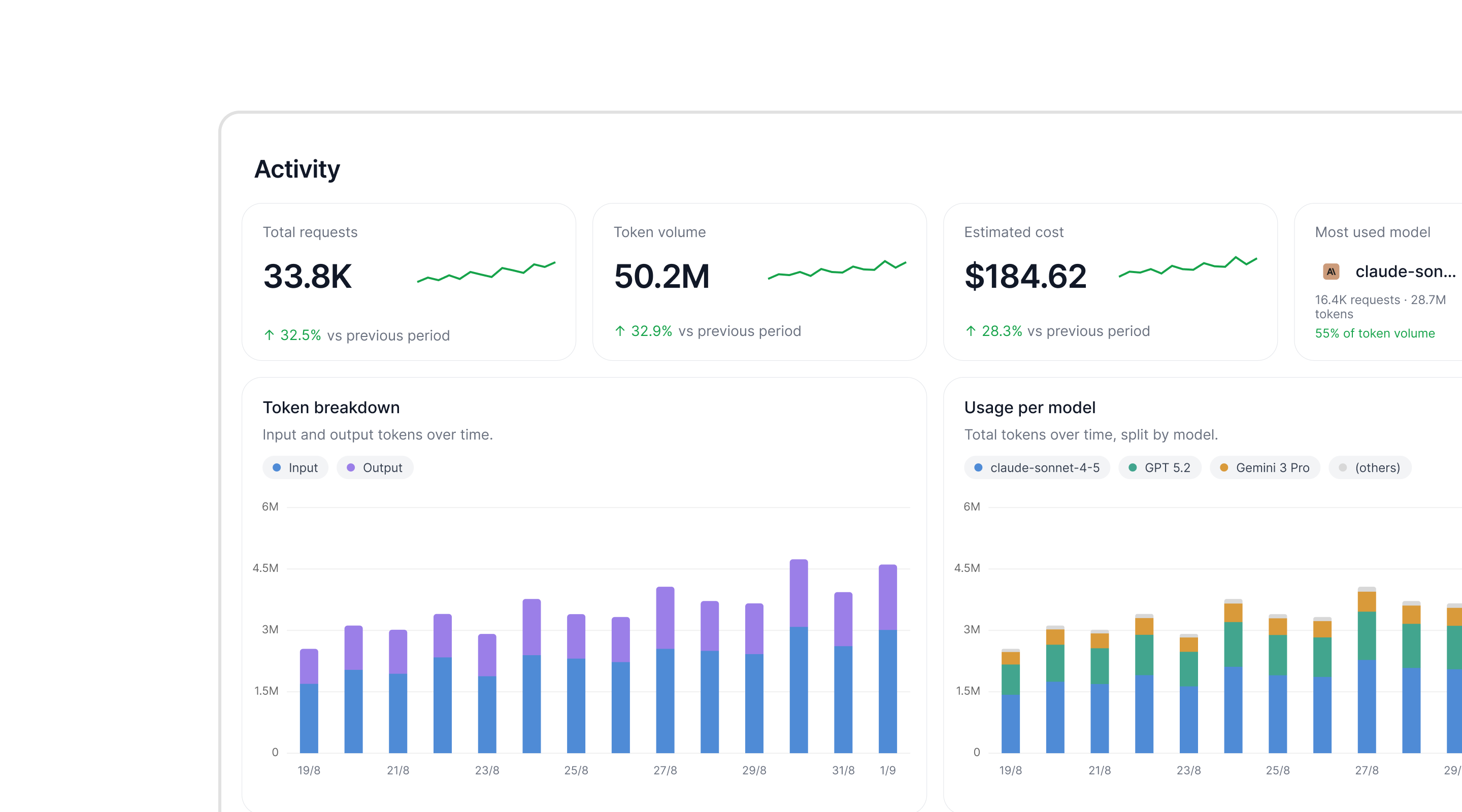
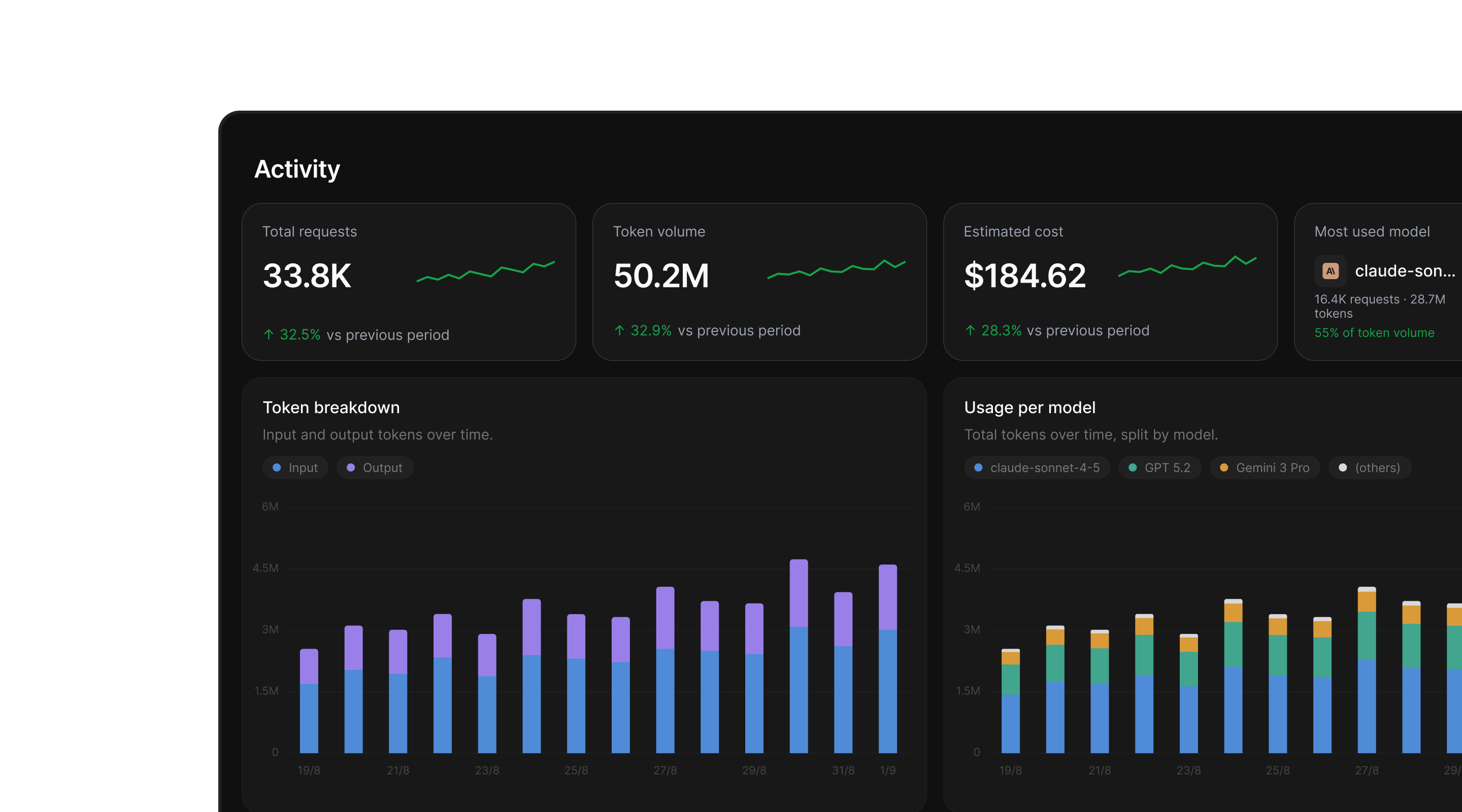
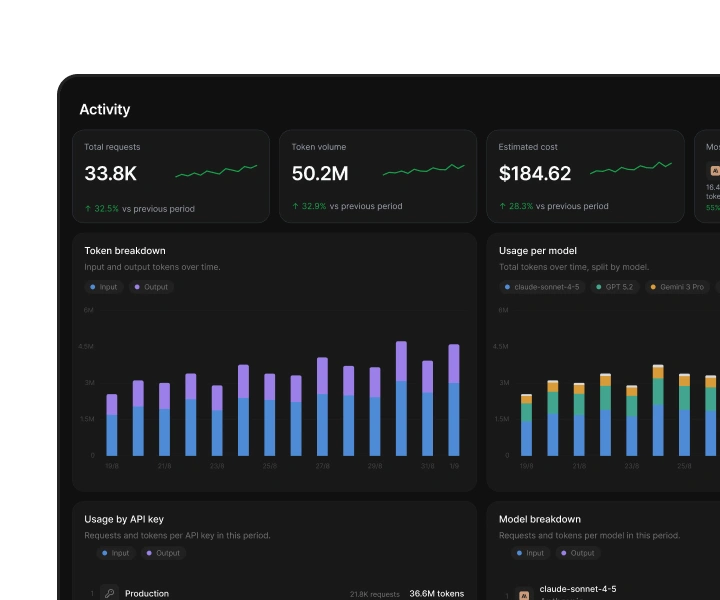
Usage, cost, and corrections
in a single view
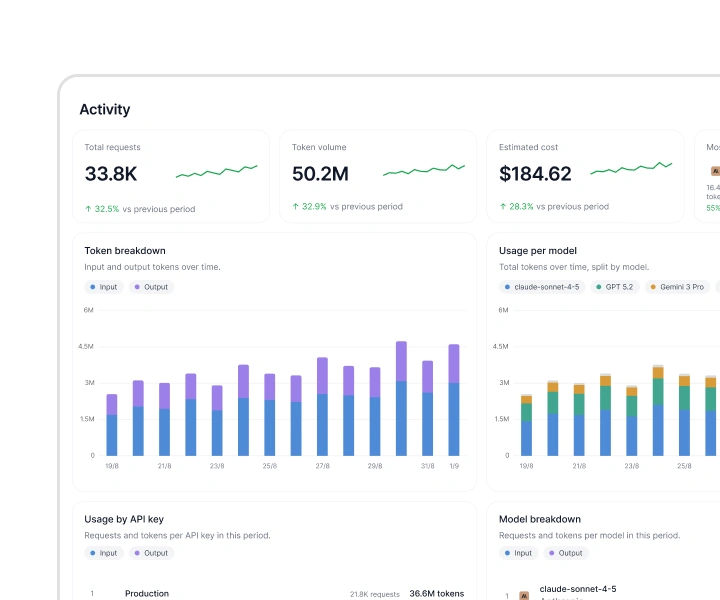
See where model spend goes, what reaches users, and how often Gateway fixes invalid output before users see it.
An OpenAI-compatible API that validates and repairs model output against your component library as it streams.
OpenUI GatewayProduction reliability for OpenUI
An OpenAI-compatible API that validates and repairs model output against your component library as it streams.
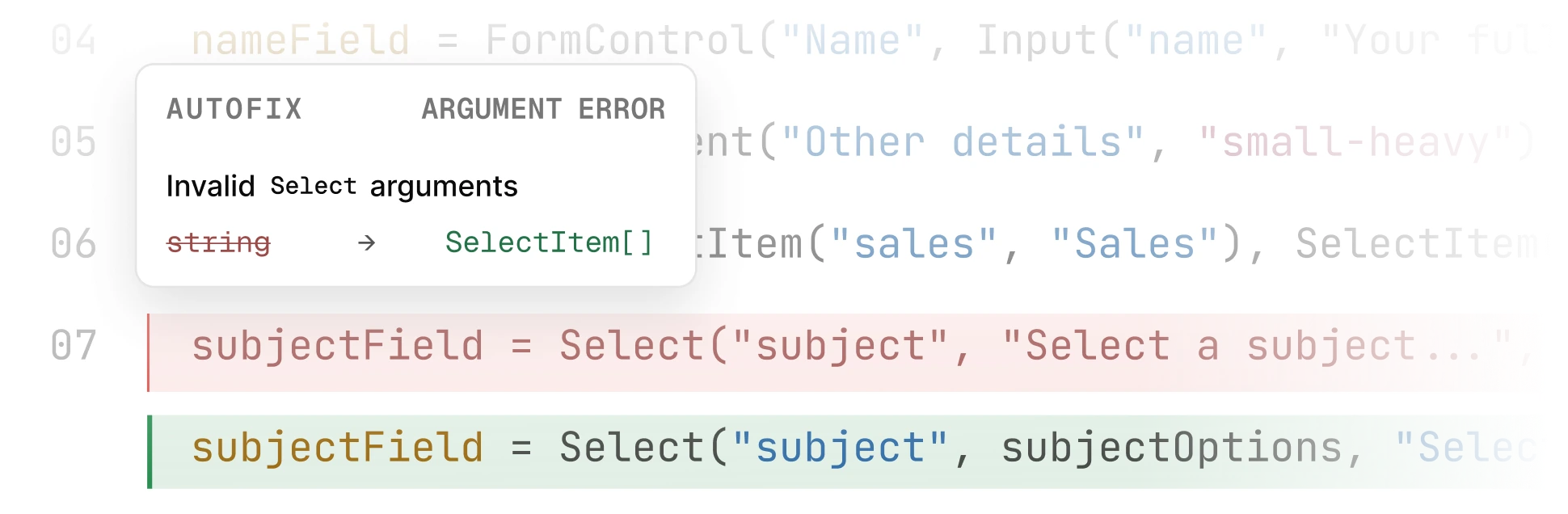
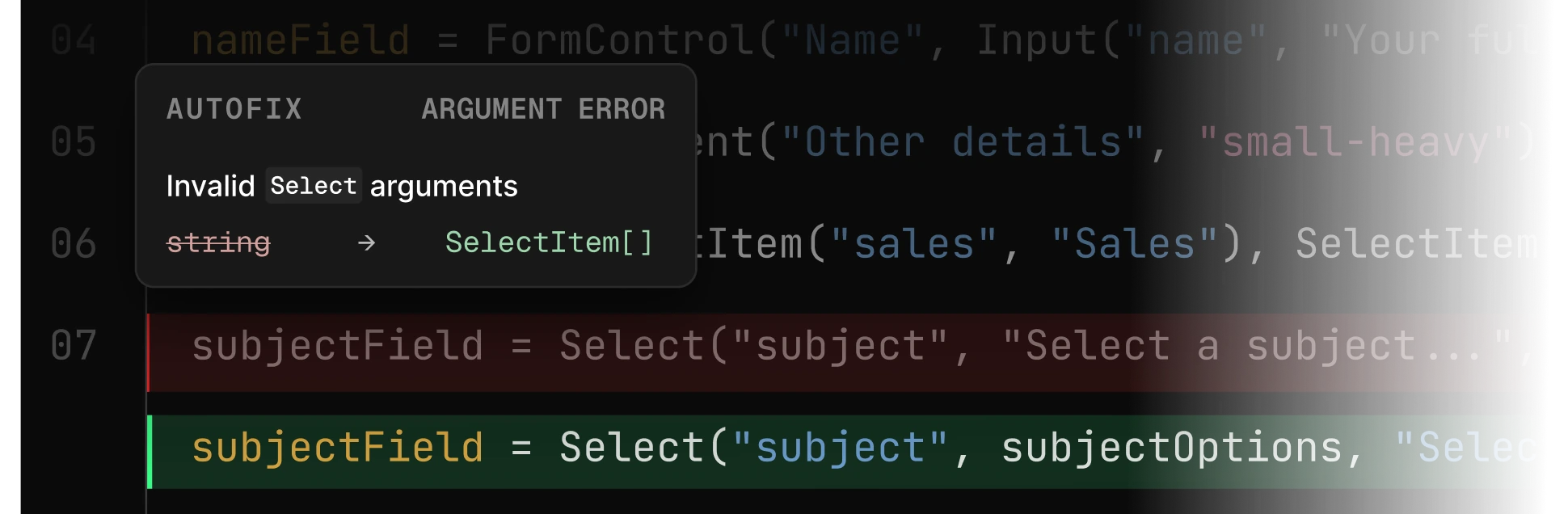
Failures are easy to miss because the request still succeeds. Based on 1,285 production failures observed over 15 days.
OpenUI produces more structurally valid output than Google A2UI and Vercel json-render, with about half the tokens and streaming time. Gateway catches what remains.
Every response is validated against your component library. Invalid ones are repaired in the streaming path. Over 99% render successfully.
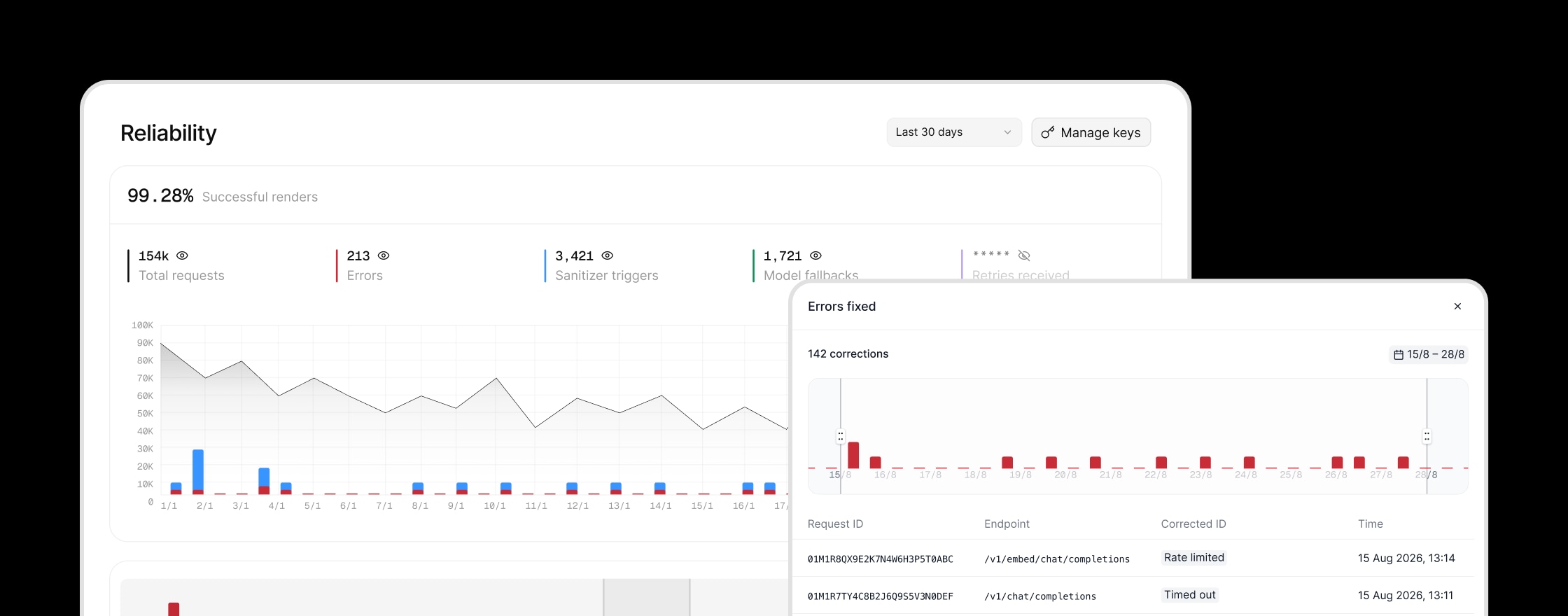
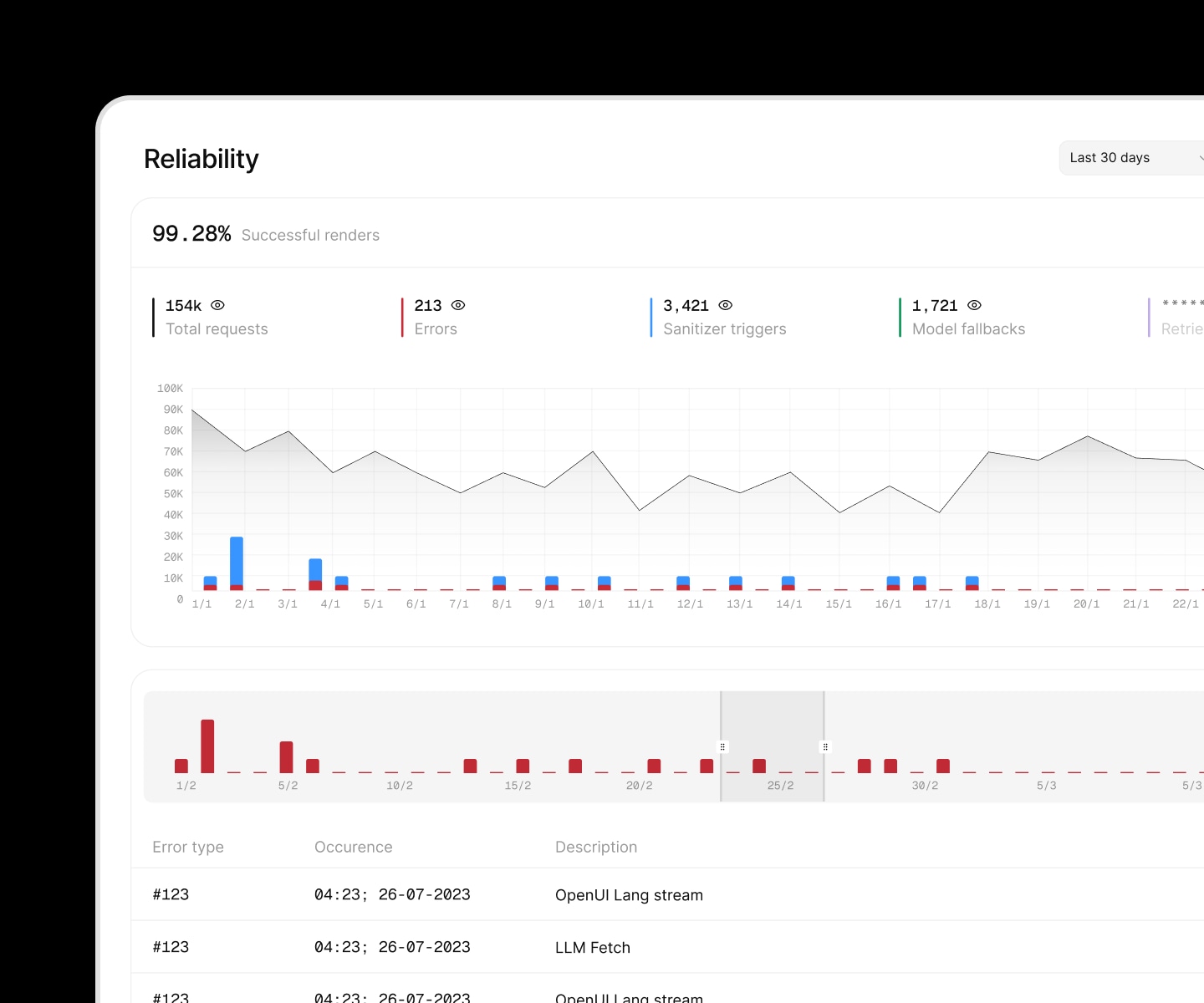
Tokens are billed at provider rates, with no Gateway markup.
Chat Completions and Responses endpoints work with your existing SDKs.
Use your existing OpenAI, Anthropic, or Google Vertex credentials and commitments.
Run Gateway behind any OpenAI-compatible gateway, including Portkey.
Add Gateway without changing your upstream cache configuration.
Use any model through one OpenAI-compatible API. View routing.


 Add reliability with Autofix.
Keep your existing model calls, direct or through AI gateways. Add one Autofix API call to repair invalid generations before users see them.
View docsin a single view
See where model spend goes, what reaches users, and how often Gateway fixes invalid output before users see it.
Create a Gateway key in the OpenUI console.
Use the Gateway endpoint as your base URL and choose any provider/model identifier.
Include your component schema so Gateway can validate each response.
const client = new OpenAI({  apiKey: process.env.THESYS_API_KEY,  baseURL: "https://api.thesys.dev/v1/embed",});
const response = await client.chat.completions.create({ model: "openai/gpt-5", messages: [ { role: "system", content: generatePrompt({ cloud: true }) }, ...messages, ],});Chat Completions requests use zero data retention by default.
Your Gateway data stays private and is never used to train models.
Find GDPR, SOC 2, and ISO 27001 evidence in the Trust centre.
Gateway switches providers if one fails, keeping the same model.
View current and historical uptime on our service status page.
Deploy in your VPC or self-host in your own environment.
Plans start free. Each response uses one API call plus LLM tokens at provider rates, with corrections included.
Gateway plans. Annual billing selected; prices shown per month.
Have another question? Join our Discord.
No. OpenUI works without Gateway. You can call any supported LLM directly and use generatePrompt to create the system prompt.
For production applications, OpenUI Gateway adds validation and automatic corrections for generated UI, model routing, and provider fallbacks through an OpenAI-compatible API.
Your Gateway data is never used to train models. Chat Completions requests use zero data retention by default.
Yes. Bring your own key (BYOK) to use your existing OpenAI or Anthropic credits and commitments. BYOK carries no platform fee.
Create a Gateway API key, update your base URL and model, and enable Gateway in your prompt. The integration guide covers the full setup.
You can also give the setup prompt to your coding agent or book a call for help.
Yes. Run OpenUI Gateway behind any OpenAI-compatible gateway, including Portkey.
Yes. OpenUI Gateway honors your upstream cache configuration.
Corrections use a dedicated model tuned for low latency, which we continue to improve. All correction calls are included in your plan and are not billed separately.
No. OpenUI Gateway and OpenUI Observability work independently. Gateway does not require Observability.
We recommend using both. Gateway makes generated UI more reliable. Observability shows what users experienced and whether it worked.