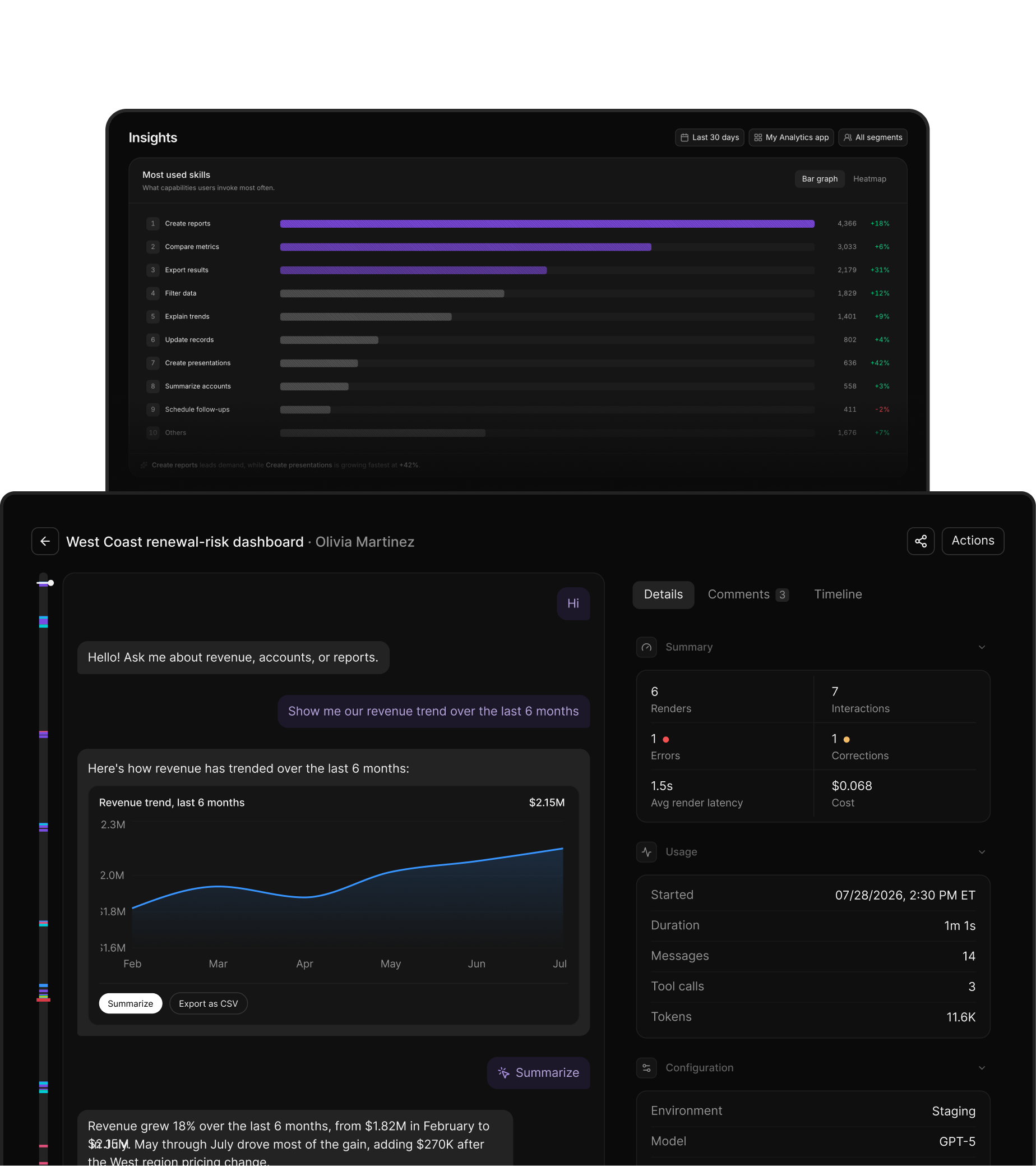
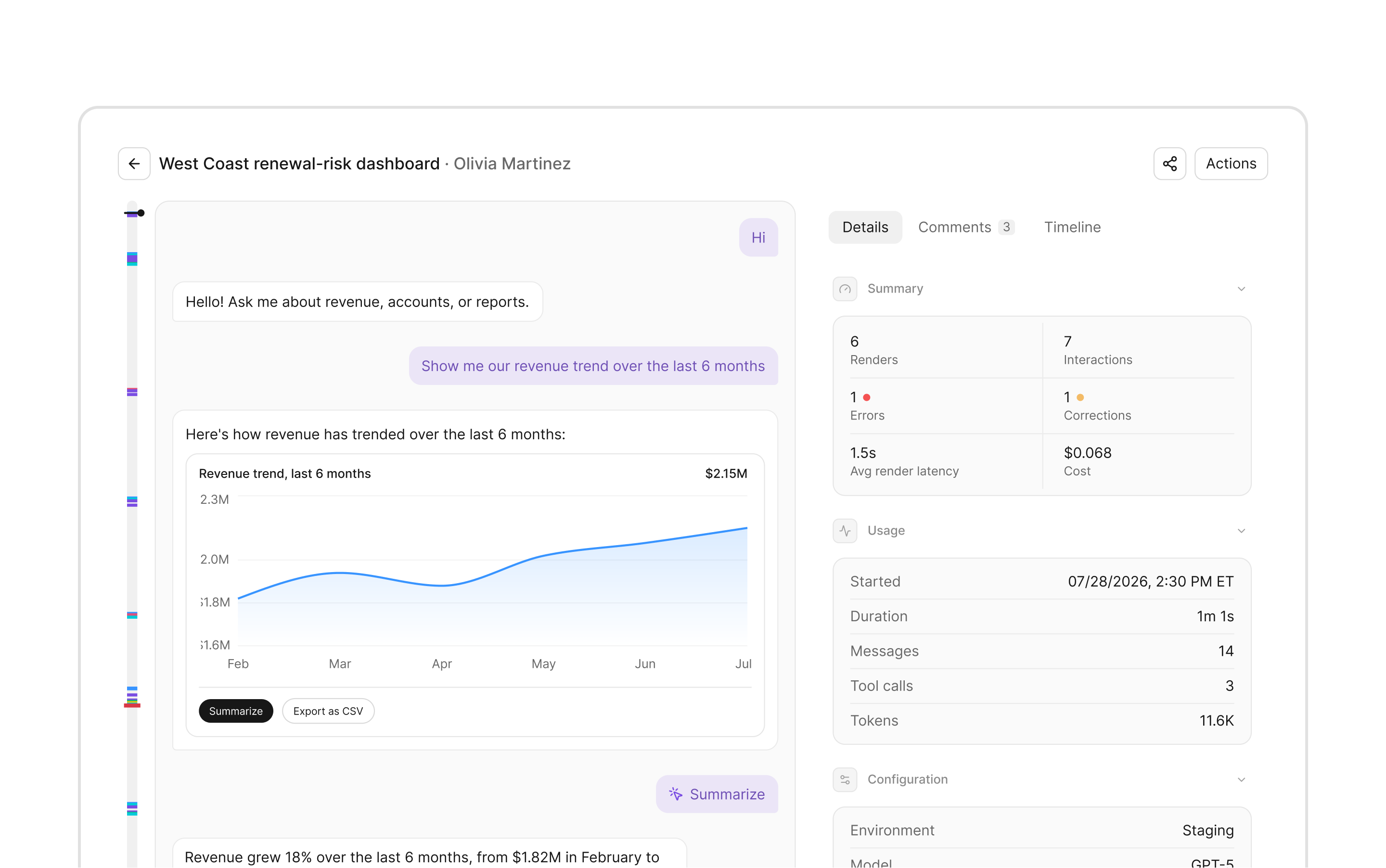
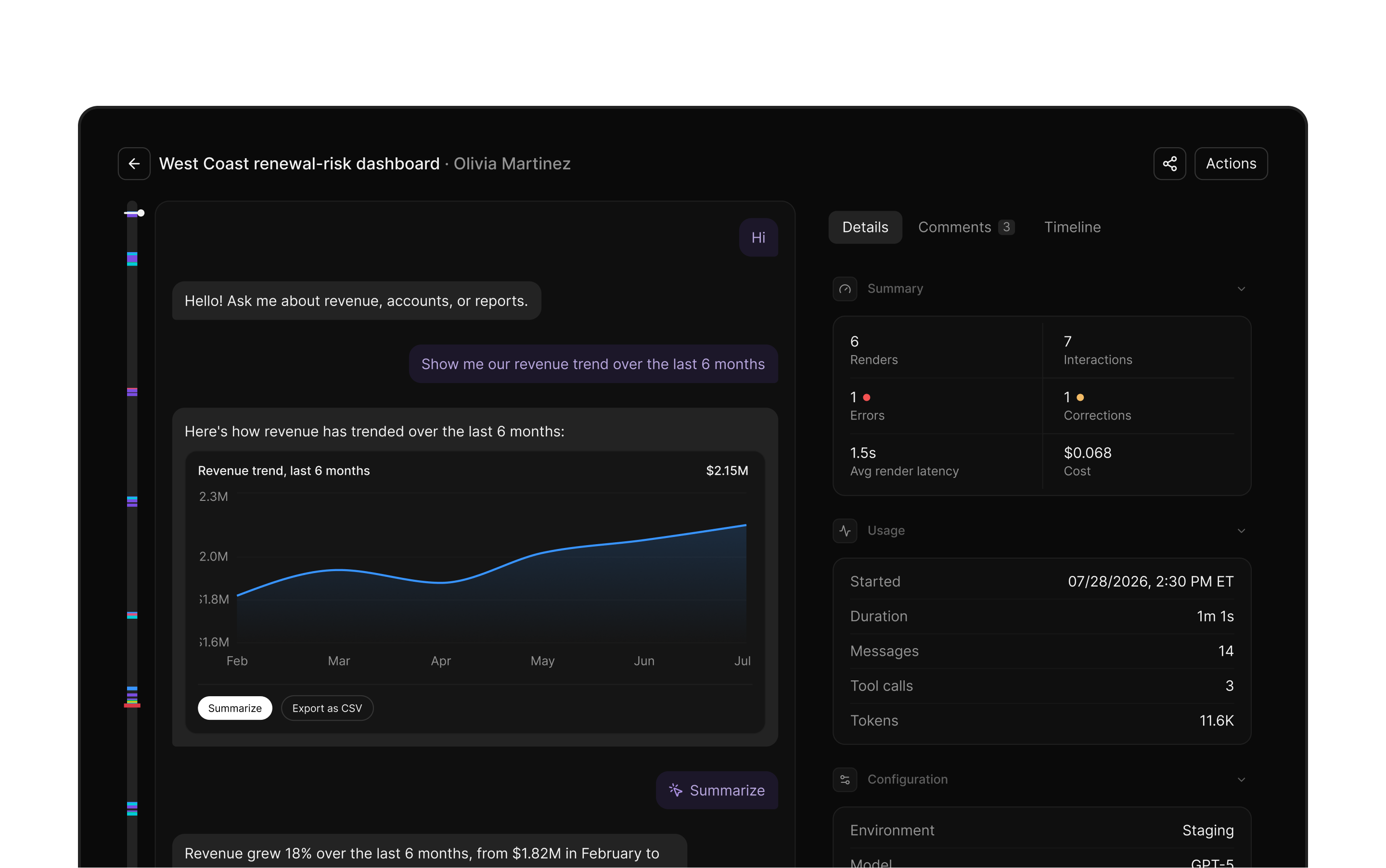
Session replay
Understand every
user session
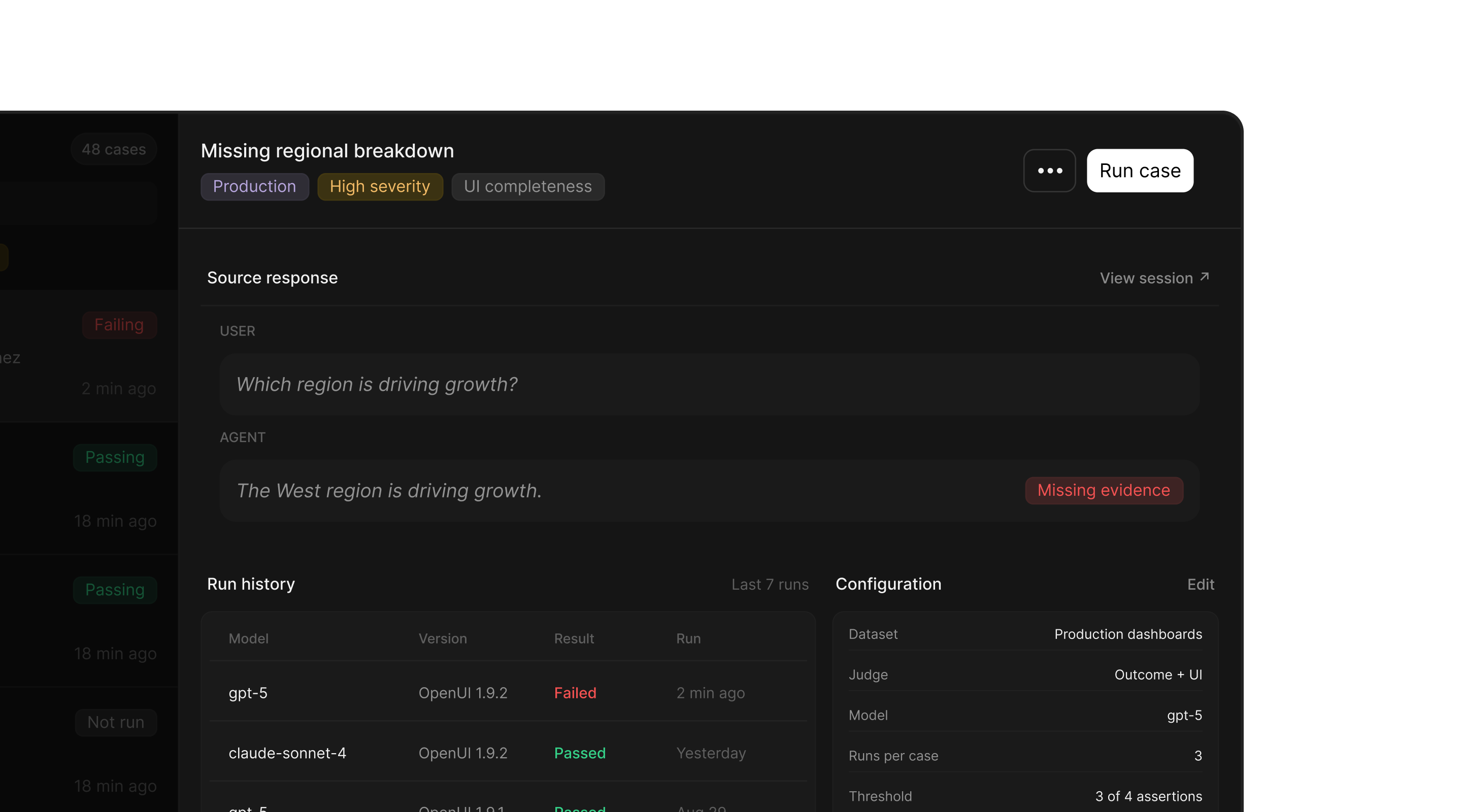
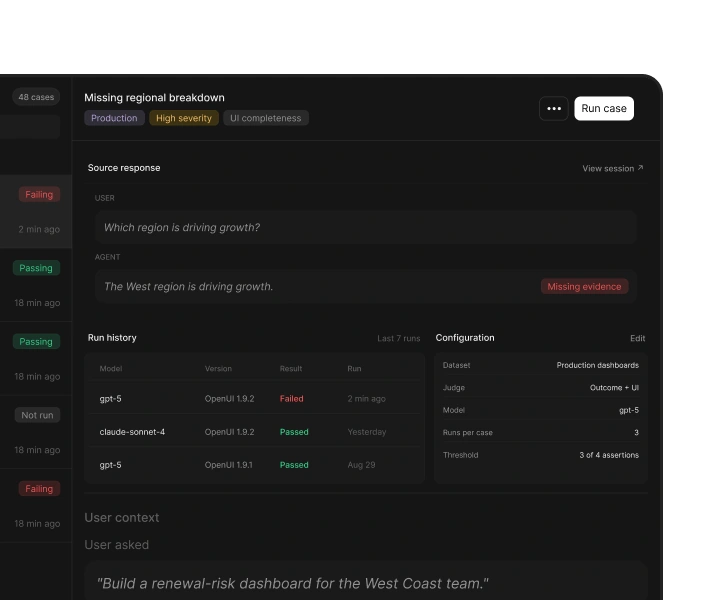
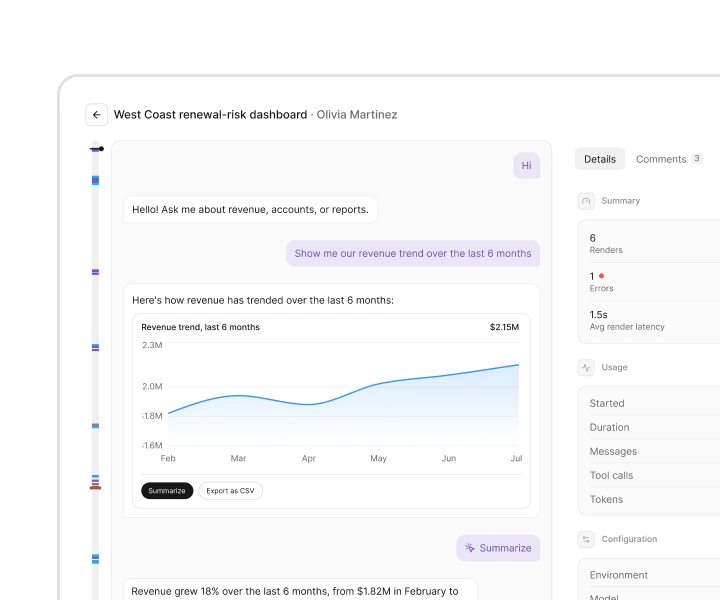
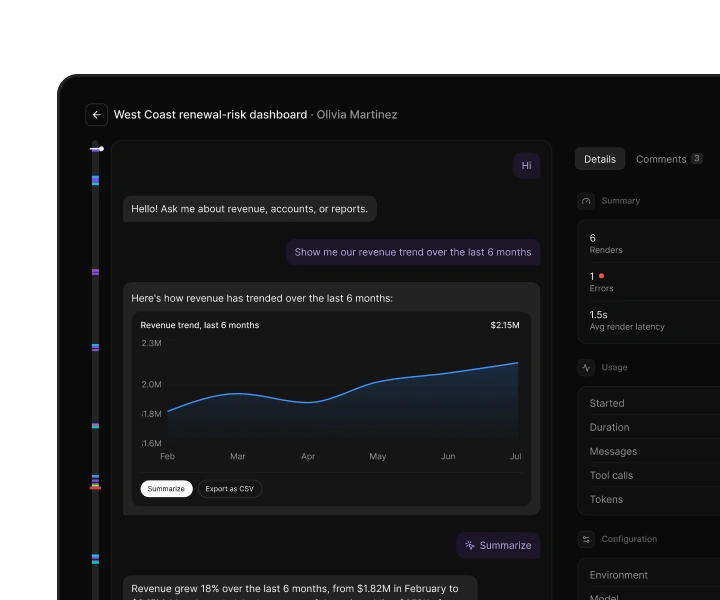
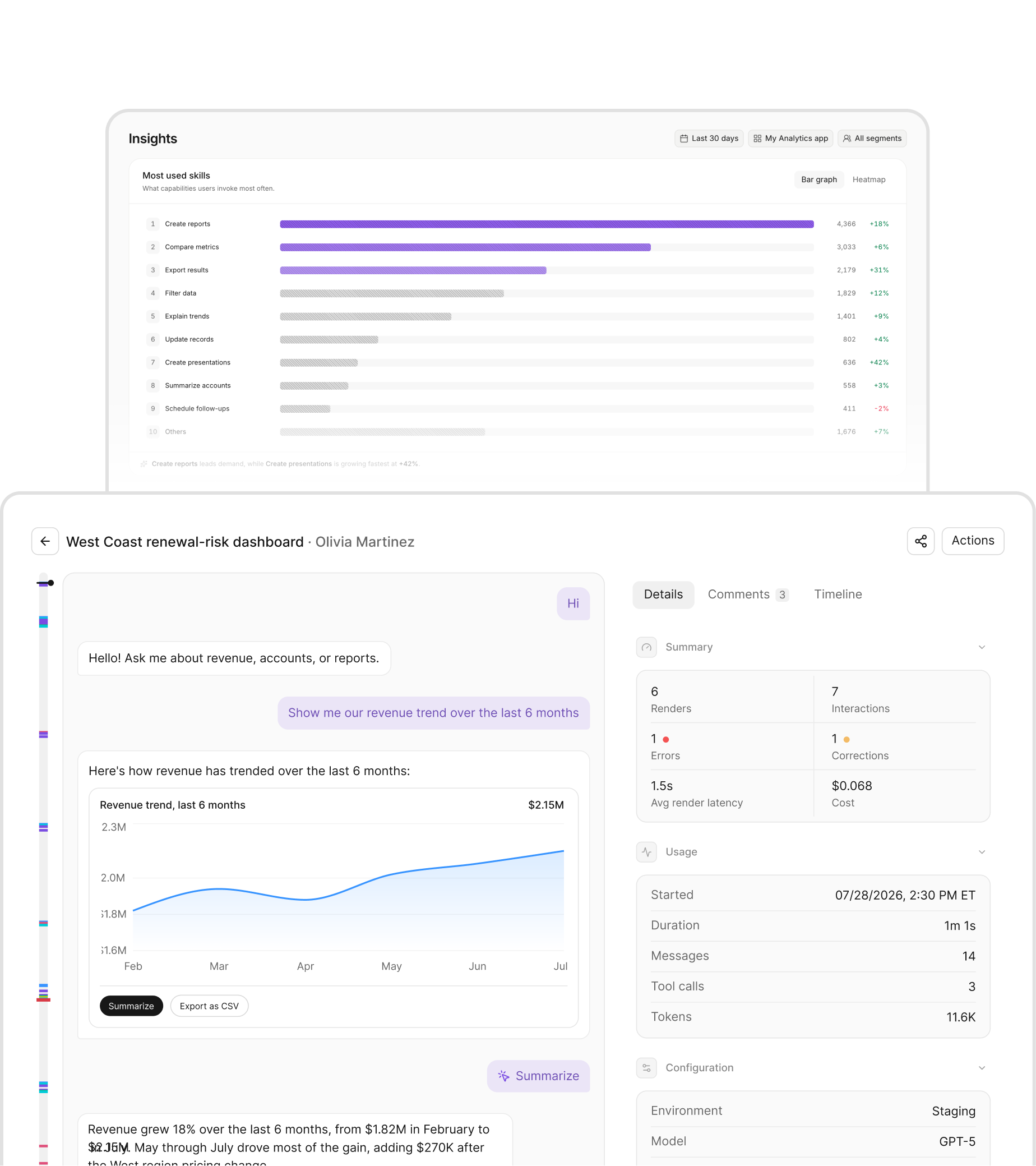
Replay the exact interface, responses, and interactions each user experienced.
See what users saw and did, where your agent fell short, and what to build next.Free during early access
You’re on the waitlist.
OpenUI ObservabilityUser analytics
for AI agents
See what users saw and did, where your agent fell short, and what to build next.Free during early access
You’re on the waitlist.
Tracing was built for services, where requests either succeed or fail. It shows what your agent did, not whether the user’s goal was met.
Execution : Successful
Outcome : Failed
that goes beyond traces
Connect each response to what users saw,
what they did, and whether it met their needs.
Understand every
user session
Replay the exact interface, responses, and interactions each user experienced.
Discover sessions
worth investigating
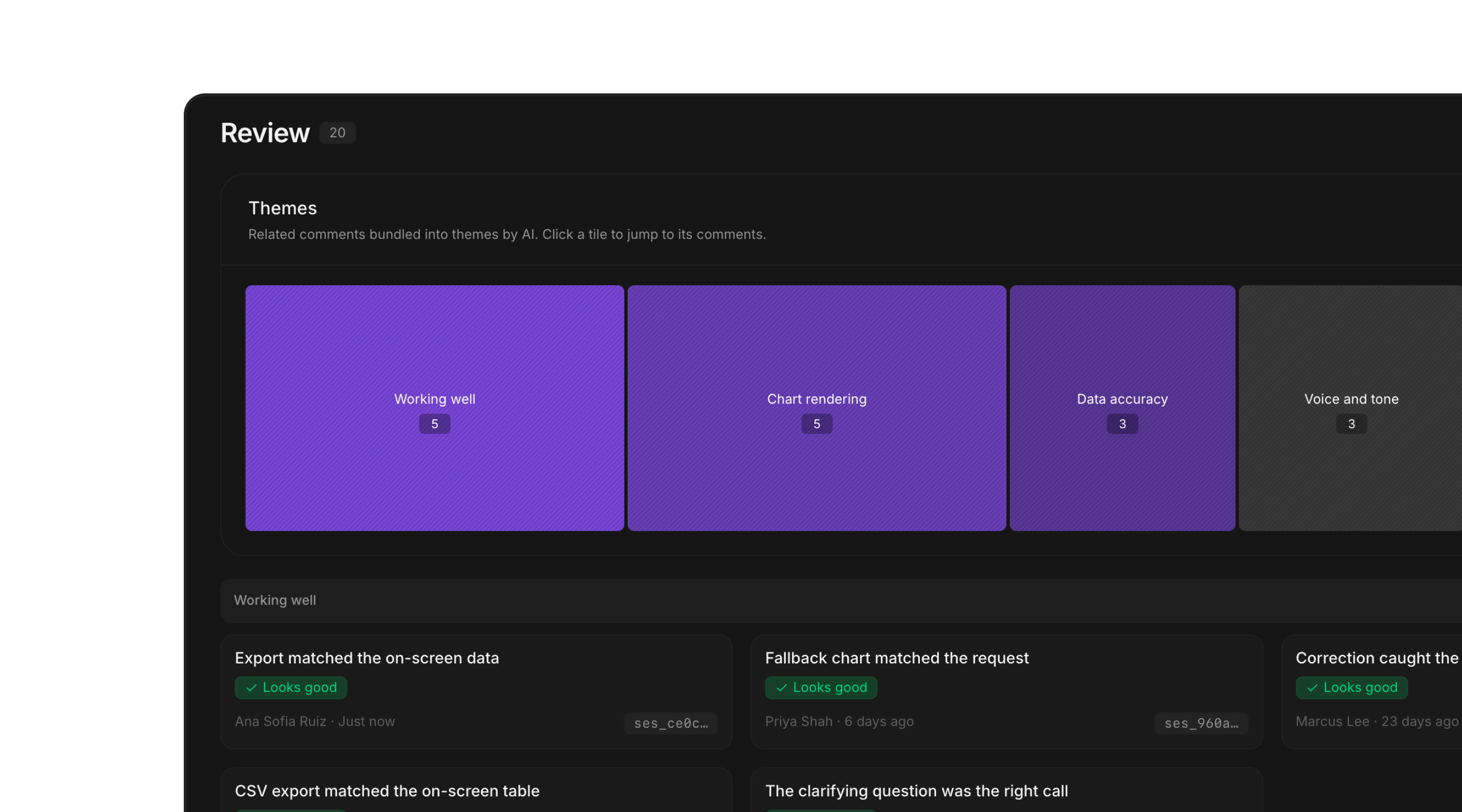
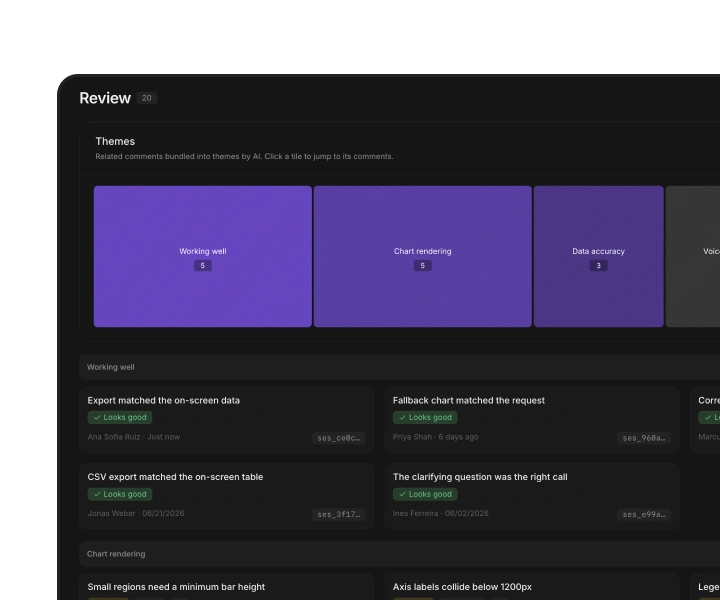
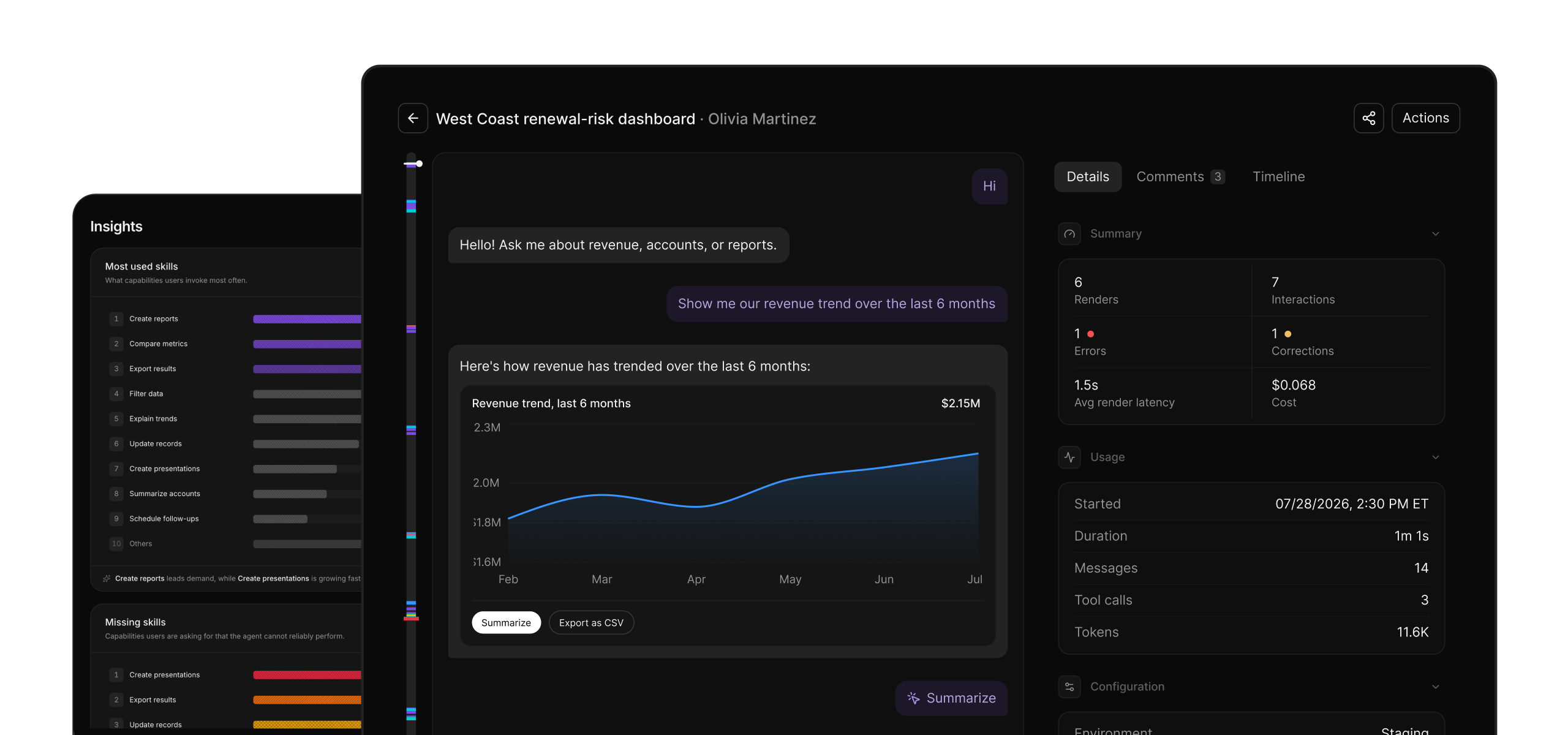
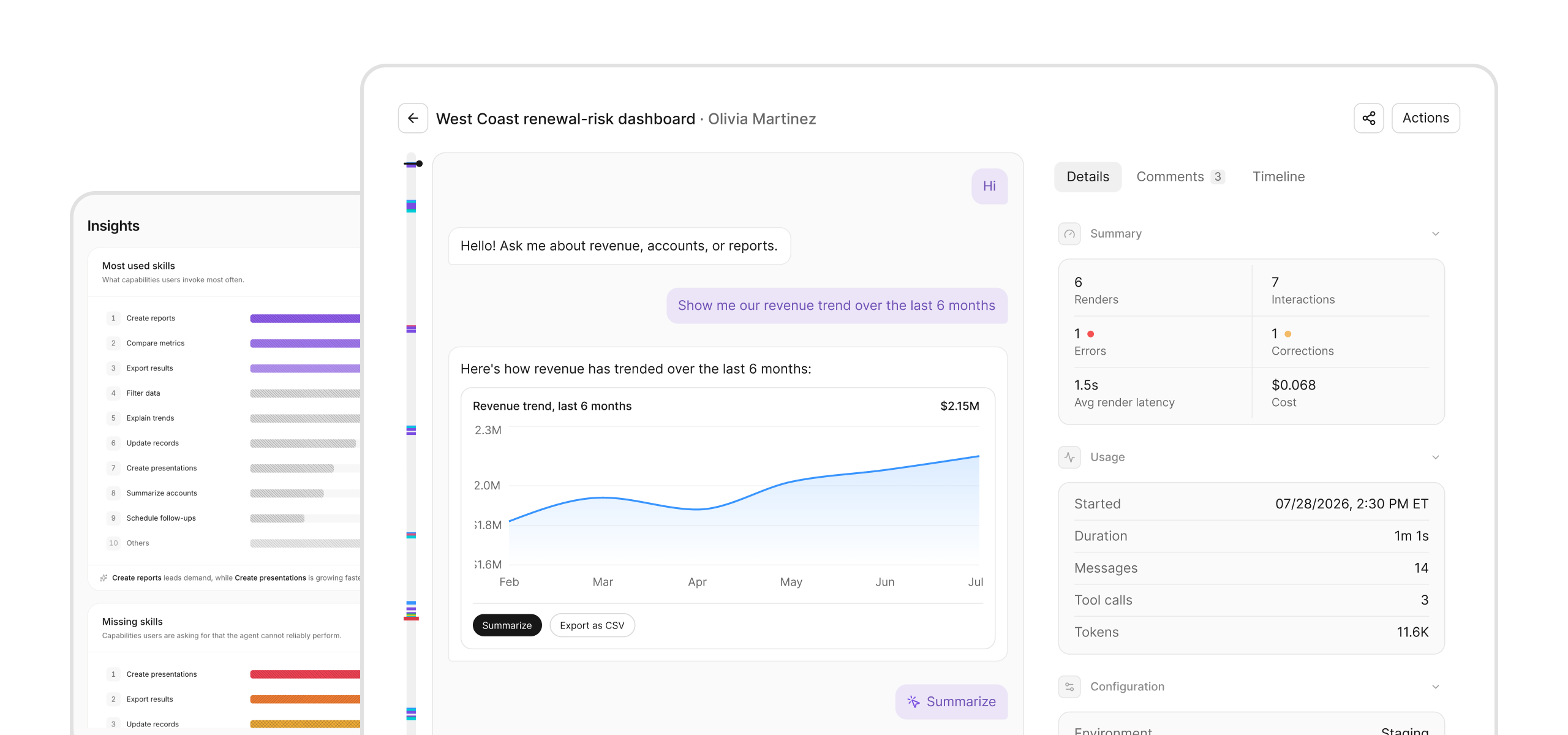
Surface failed journeys, unmet needs, and high-impact issues to understand where users struggle.
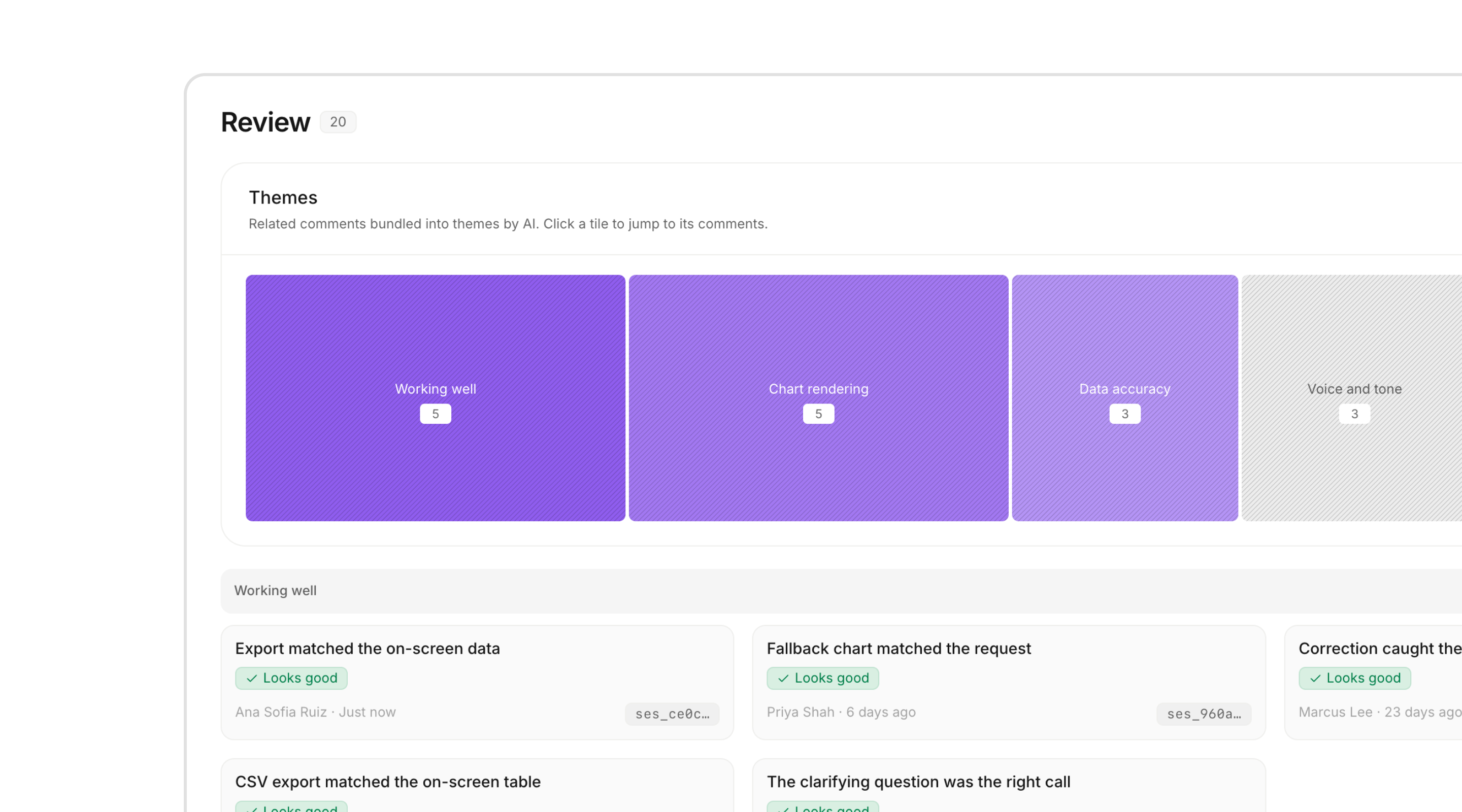
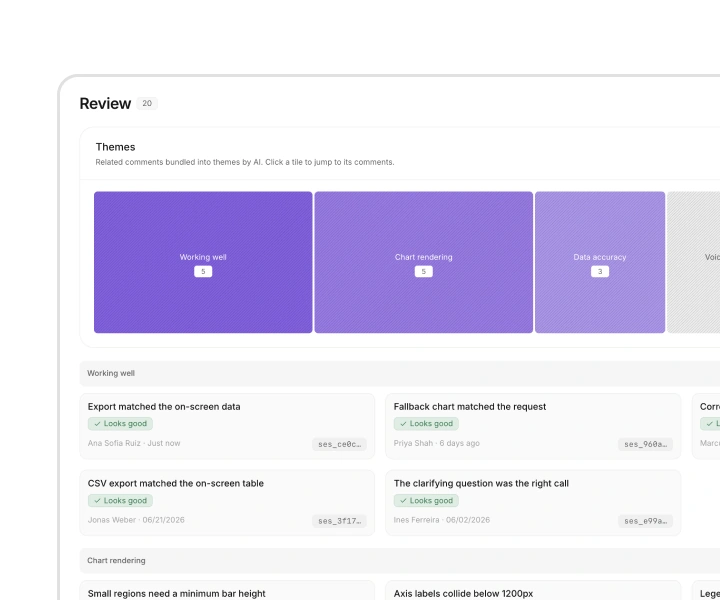
Turn bad responses
into feedback
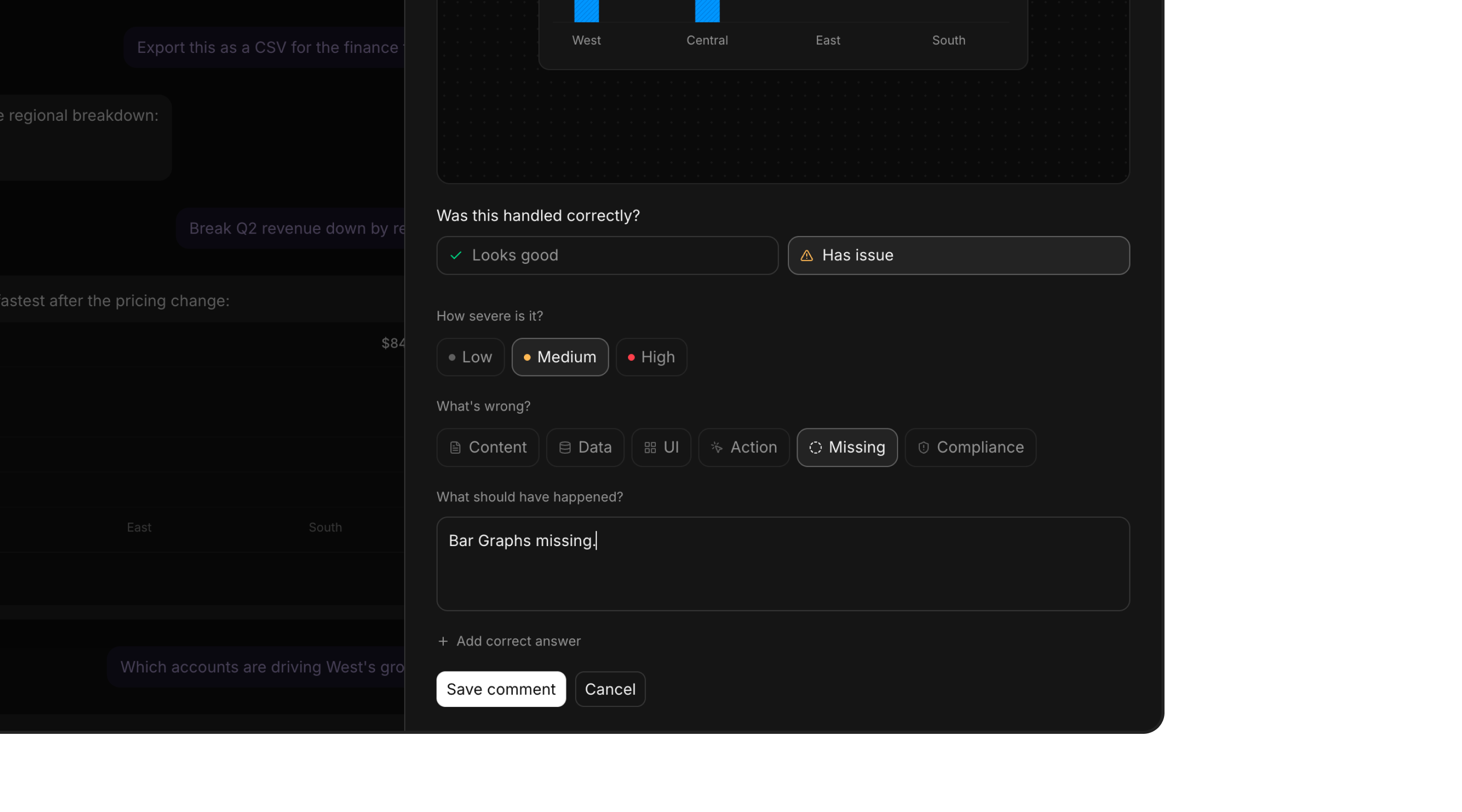
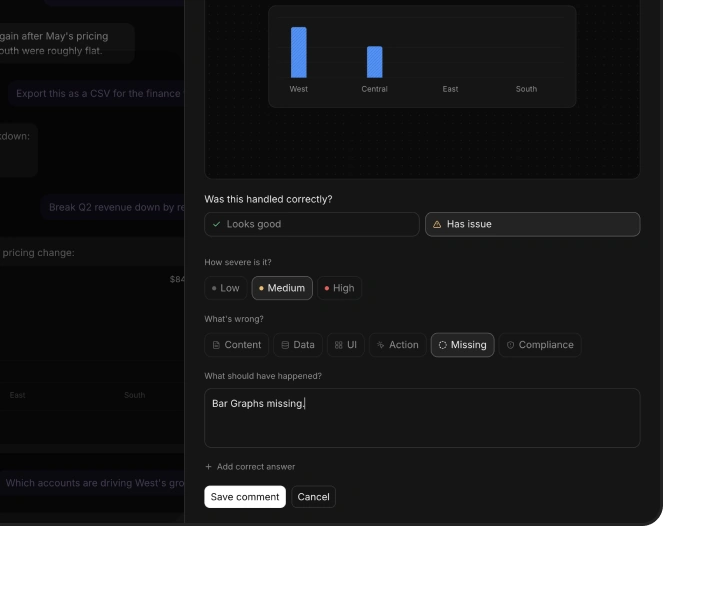
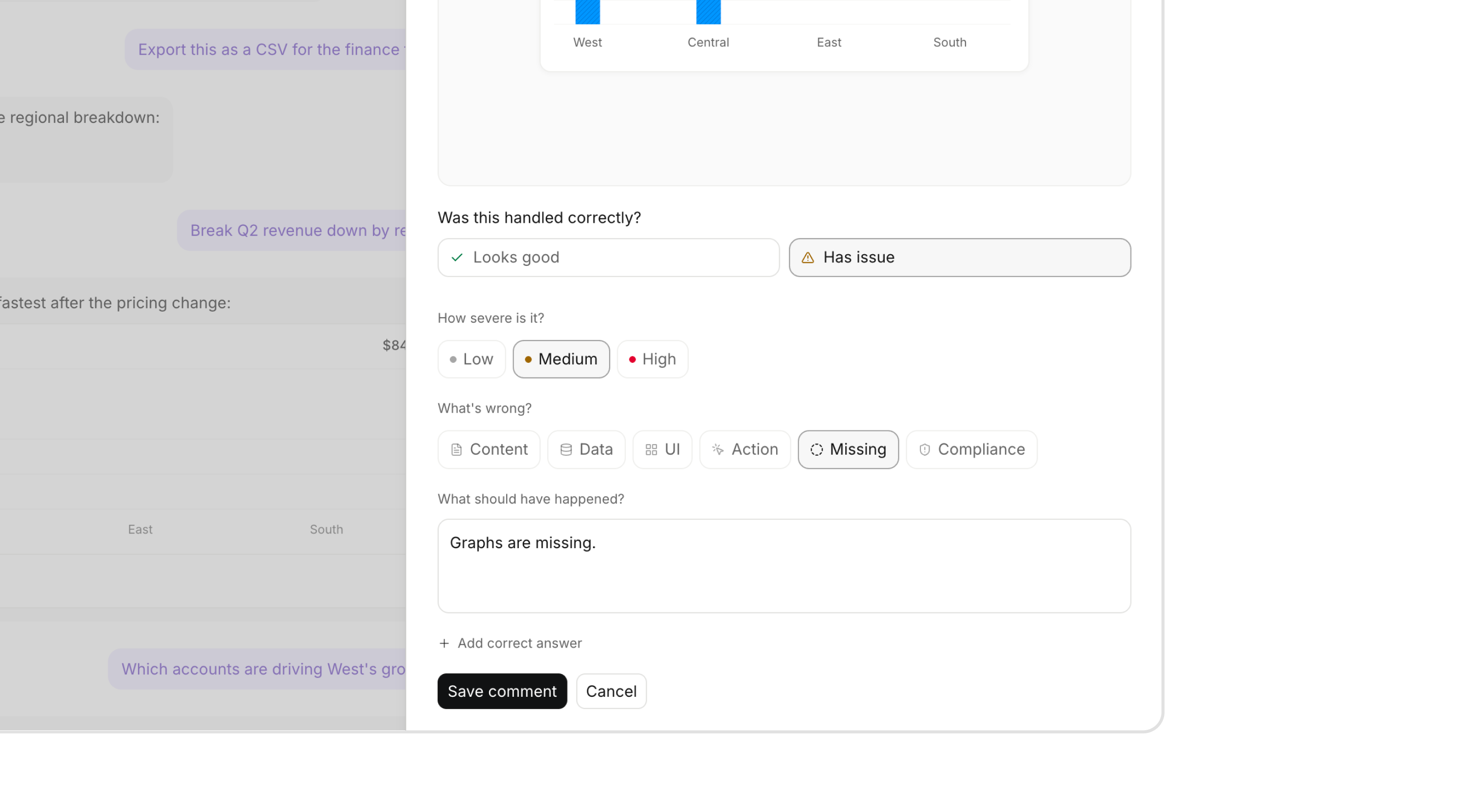
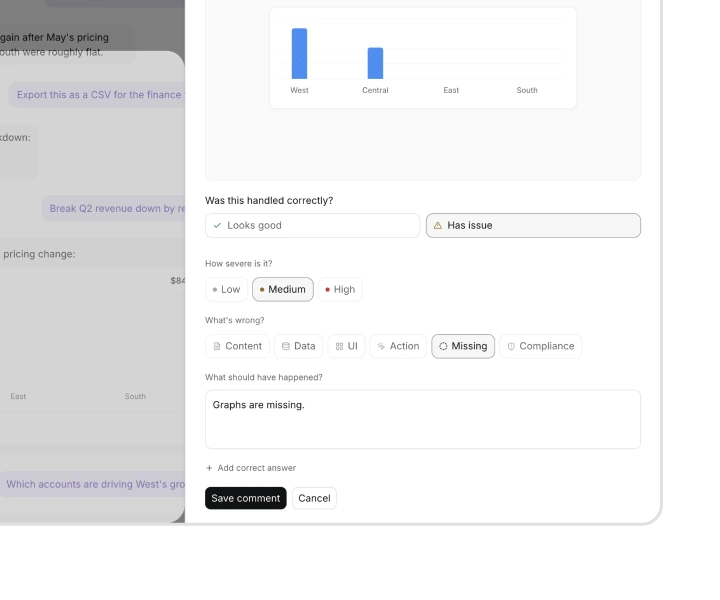
Mark the broken response, add context, and share the session with your team.
Prevent the same
issue twice
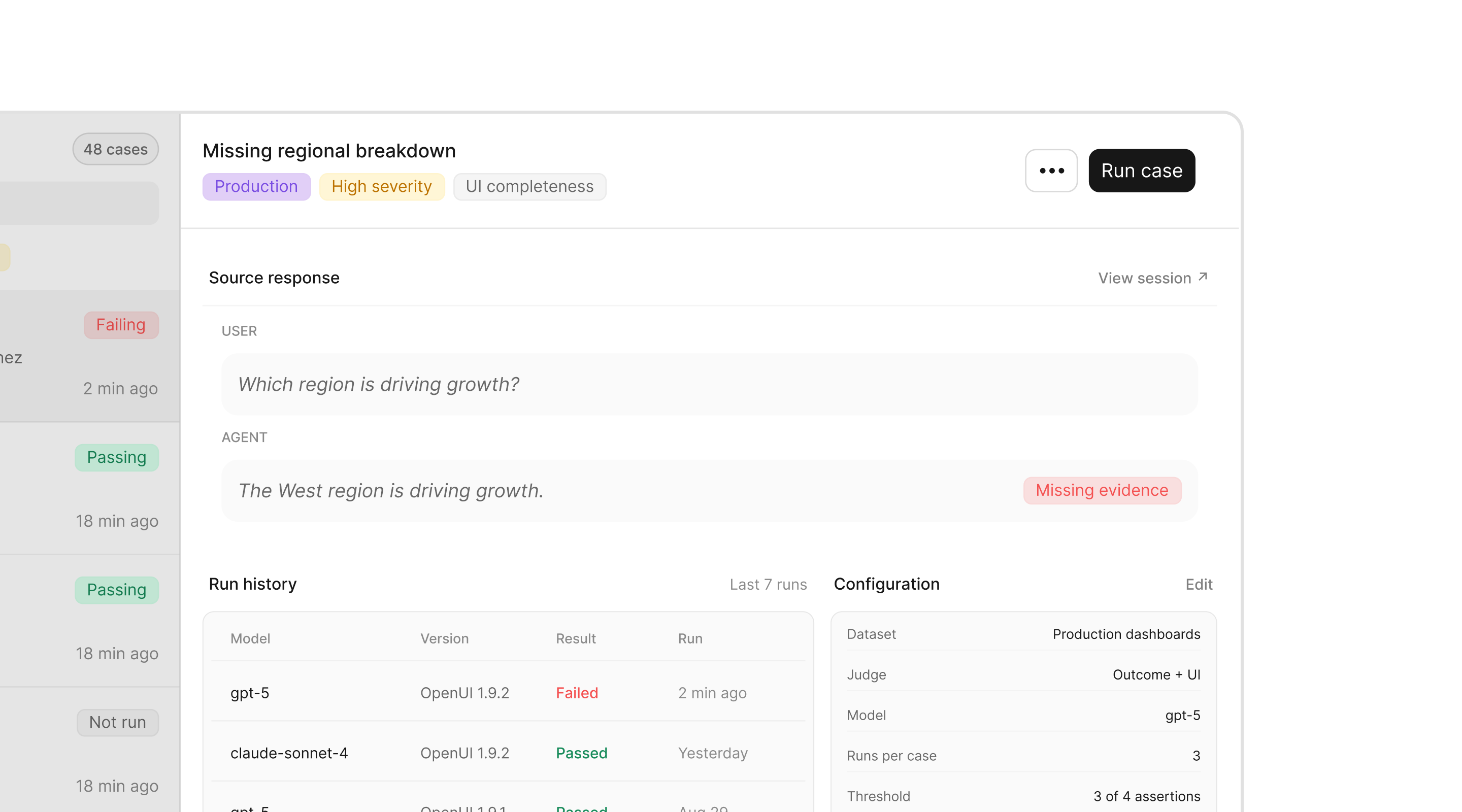
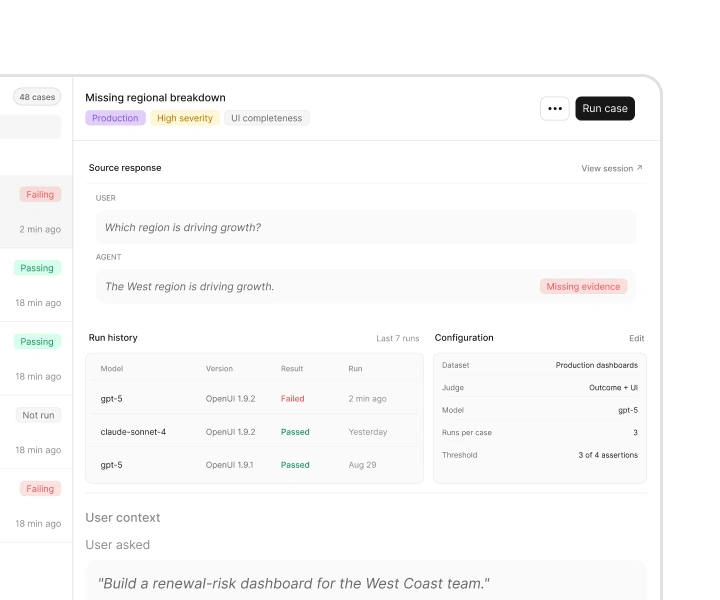
Turn production failures into evals that catch regressions before release.
Discover what to
build next
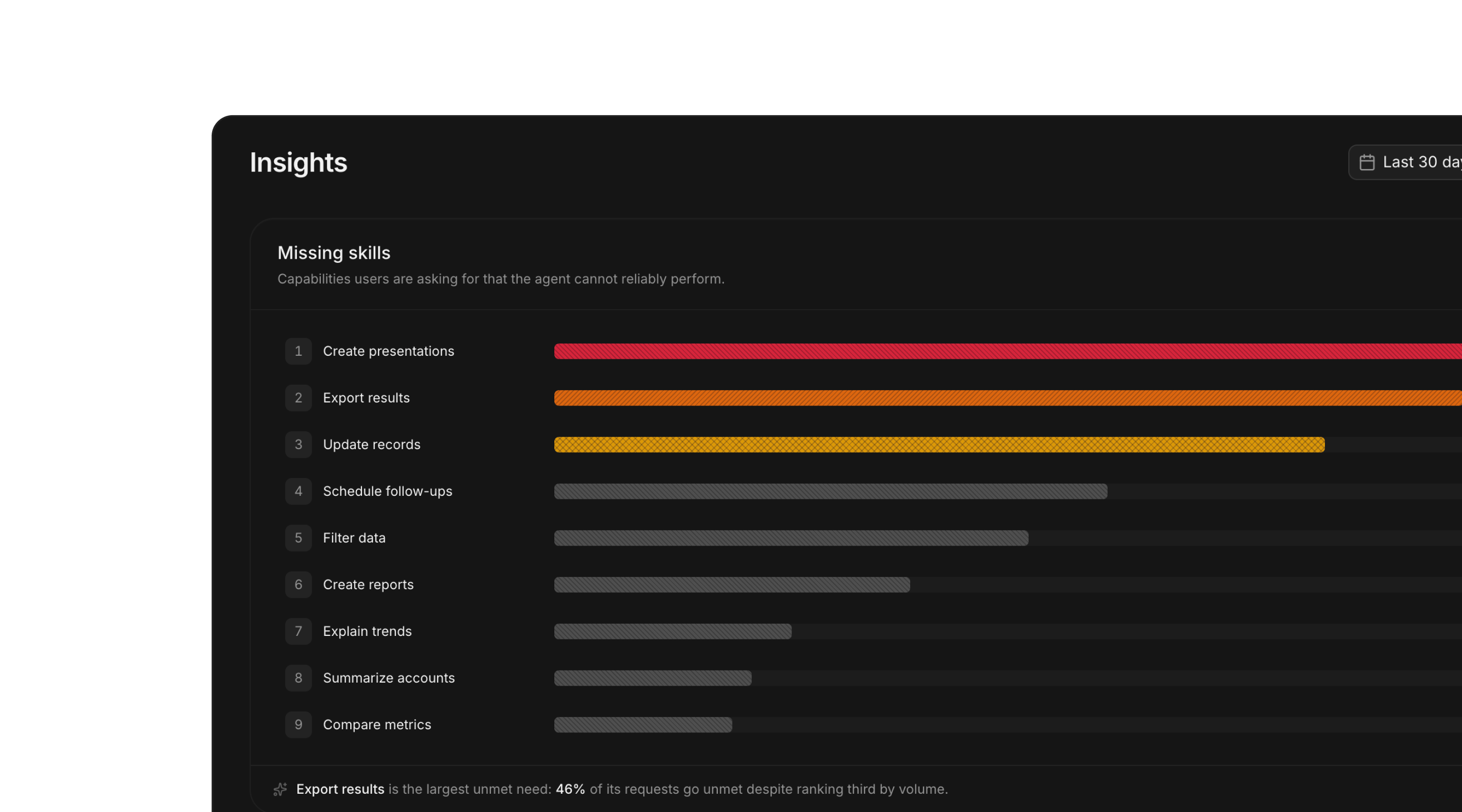
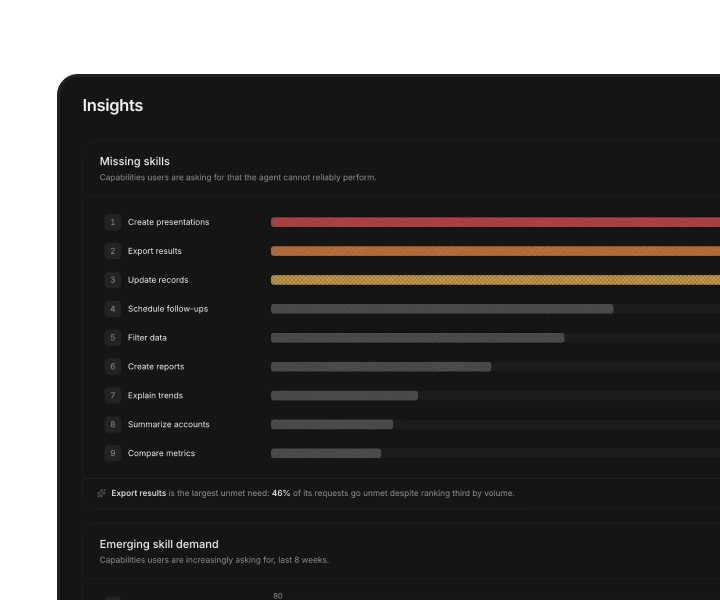
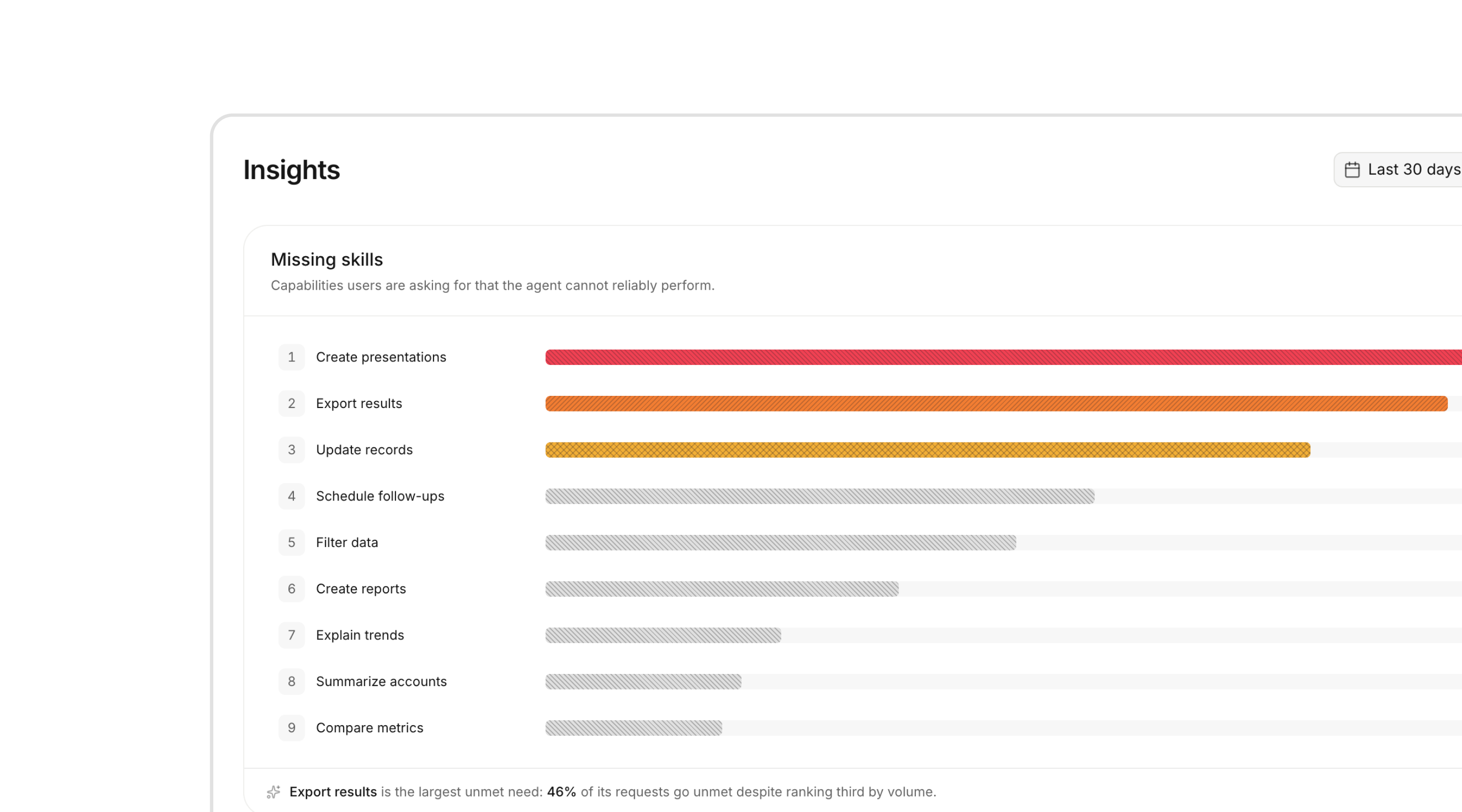
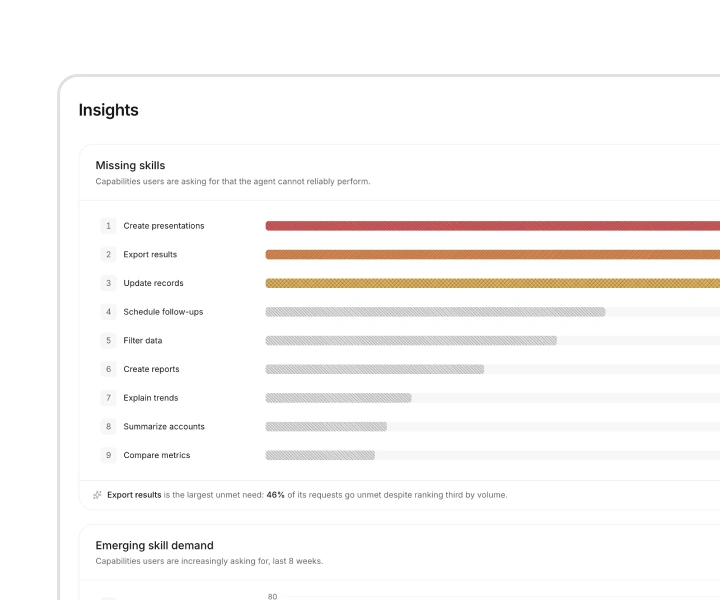
Aggregate demand across every session to see which needs recur and how often.
Keep responses in the browser and capture only the metadata you need.
Your data stays private and is never used to train models. Deploy in your VPC or self-host.
Find GDPR, SOC 2, and ISO 27001 evidence in the Trust centre.
Keep your agent framework and backend. The SDK captures events OpenUI already emits as it renders.
Create a publishable key in the OpenUI console. It’s safe to use in browser code.
Add it once at your app entry point. No tracking code needed in your components.
// src/main.tsximport { createRoot } from "react-dom/client";import { App } from "./App";import * as Observability from "@openuidev/observability-cloud";
Observability.init({ apiKey: "pk-th-…" });
const root = document.getElementById("root");createRoot(root!).render(<App />);
Free during early access.
You’re on the waitlist.
Have another question?
Join our Discord.
Tracing tools show how your agent ran. OpenUI Observability shows what users experienced, including generated UI, interactions, errors, corrections, and fallbacks.
They work together. Export flagged responses as eval cases to tools such as Braintrust or LangSmith.
The SDK captures events from OpenUI when rendering settles, including timestamps, update counts, error counts, and error details such as code, source, and component.
Full capture includes the generated response and is enabled by default. Minimal capture excludes response content and error messages.
Yes. Choose minimal capture to send metadata without generated responses. Use the beforeSend hook to edit or drop events before they’re sent to OpenUI Observability.
Yes. Frontend API keys are publishable and designed for use in browser code, like an analytics key.
OpenUI Observability is free during early access. Pricing will be published before paid access begins.
No. OpenUI Observability and OpenUI Gateway work independently.
We recommend using both. Gateway makes generated UI more reliable. Observability shows what users experienced and whether it worked.