
Conversations
How to persist conversations and make them accessible to Agent Interface.
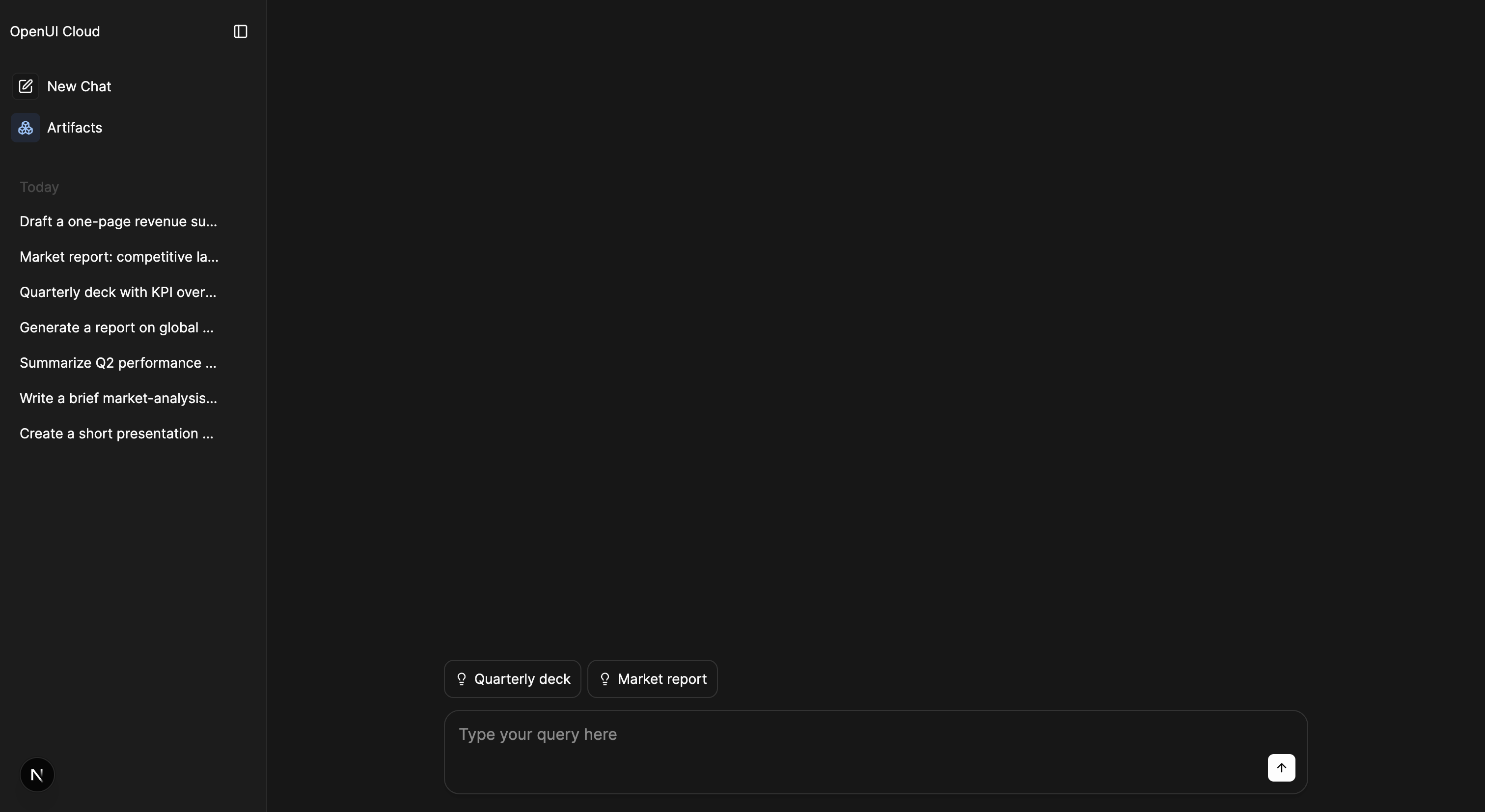
Every conversation with AgentInterface is stored through a storage adapter. Each message is persisted (its content, any extra context, and the complete response including text and tool calls), and AgentInterface reloads the threads and messages of the selected conversation automatically.
Connect an application-owned storage adapter to store and reload conversations from your database. Without one, Agent Interface keeps the conversation in memory for the current page session.
This persistence lets users return to previous conversations, and the full history informs the agent's future responses.
What gets stored
- Threads: the containers for a conversation. Each has an
id, a title, and metadata likecreatedAt. - Messages: the turns inside a thread. Each has a
role(user,assistant, ortool) and its content, including any generative UI the assistant produced.
Accessing conversations
To build your own thread switcher or history view, read the data with hooks instead of touching storage. useThread selects from the current thread; useThreadList selects from all threads.
import { useThread, useThreadList } from "@openuidev/react-ui";

function ChatCount() {
  const count = useThreadList((s) => s.threads.length);
  return <span>{count} chats</span>;
}
Both are selector hooks: pass a function that picks the slice you need, and the component re-renders only when that slice changes. They work anywhere inside AgentInterface. See Hooks for the full state.