Copilot
The sidebar assistant layout for in-app chat experiences.
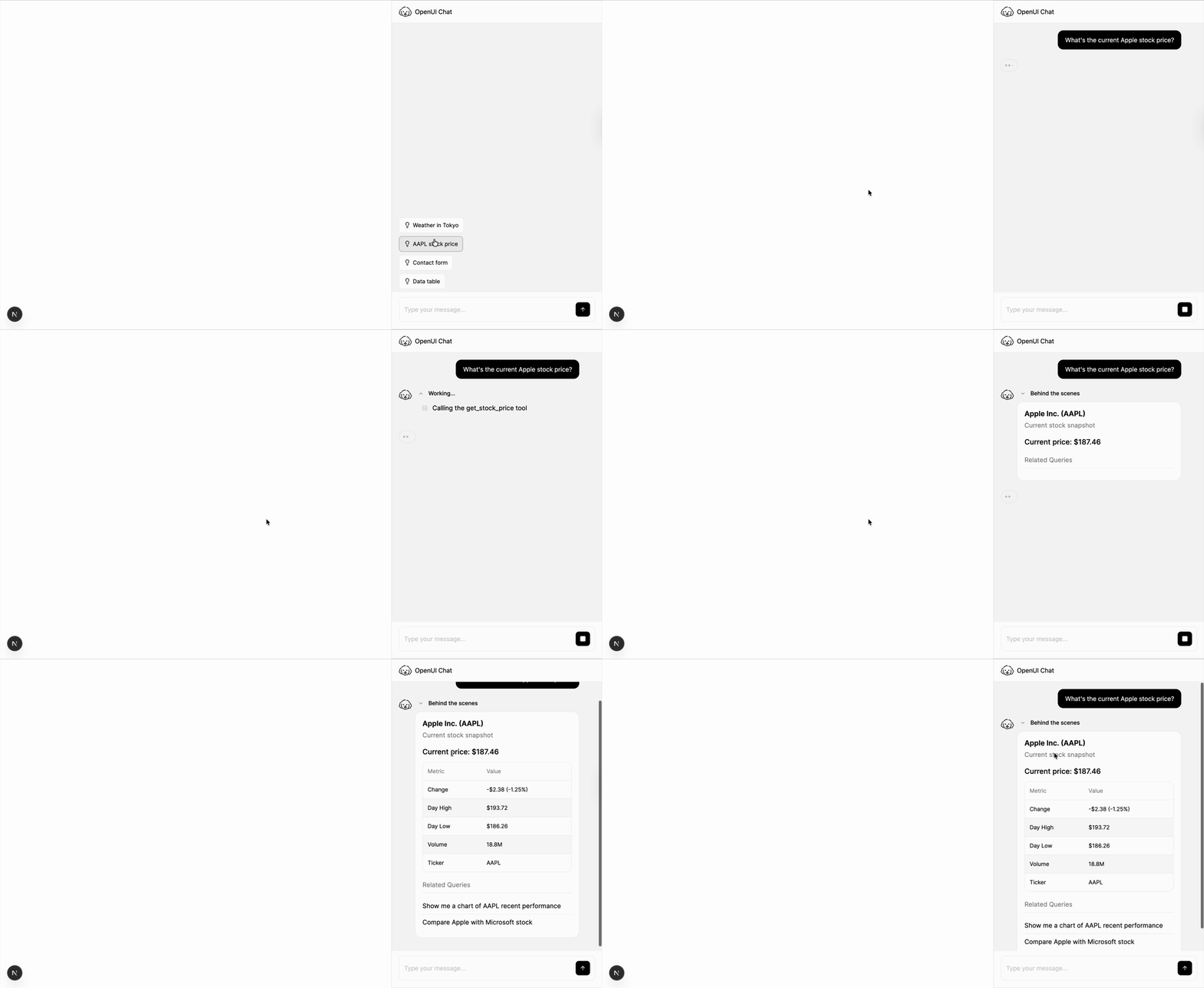
Copilot provides a sidebar assistant layout that stays visible alongside the rest of your application.
This layout keeps the main app screen in view while chat stays available at the side. For a full-page chat surface, see FullScreen. For a floating widget, see BottomTray.
import { Copilot } from "@openuidev/react-ui";

export function App() {
  return (
    <div className="flex h-screen w-full">
      <main className="flex-1">{/* Your app */}</main>
      <Copilot apiUrl="/api/chat" agentName="Assistant" />
    </div>
  );
}
Common configuration
<Copilot
  apiUrl="/api/chat"
  threadApiUrl="/api/threads"
  agentName="Support Assistant"
  logoUrl="/logo.png"
/>
Copilot only handles the UI layer. It is a good fit for support panels, assistant sidebars, and workflows where users need to keep the main screen visible while chatting.
Set up your backend connection in Connecting to LLM, connect thread history in Connect Thread History, and customize the empty state in Welcome & Starters.
Related guides
Connecting to LLM
Configure apiUrl, adapters, and auth.
Connect Thread History
Load thread lists and previous messages from your backend.
Welcome & Starters
Configure the empty-state experience.
Theming
Adjust colors, mode, and theme overrides.
Custom Chat Components
Override assistant, user, and composer UI.