GenUI
Use Generative UI with Chat components.
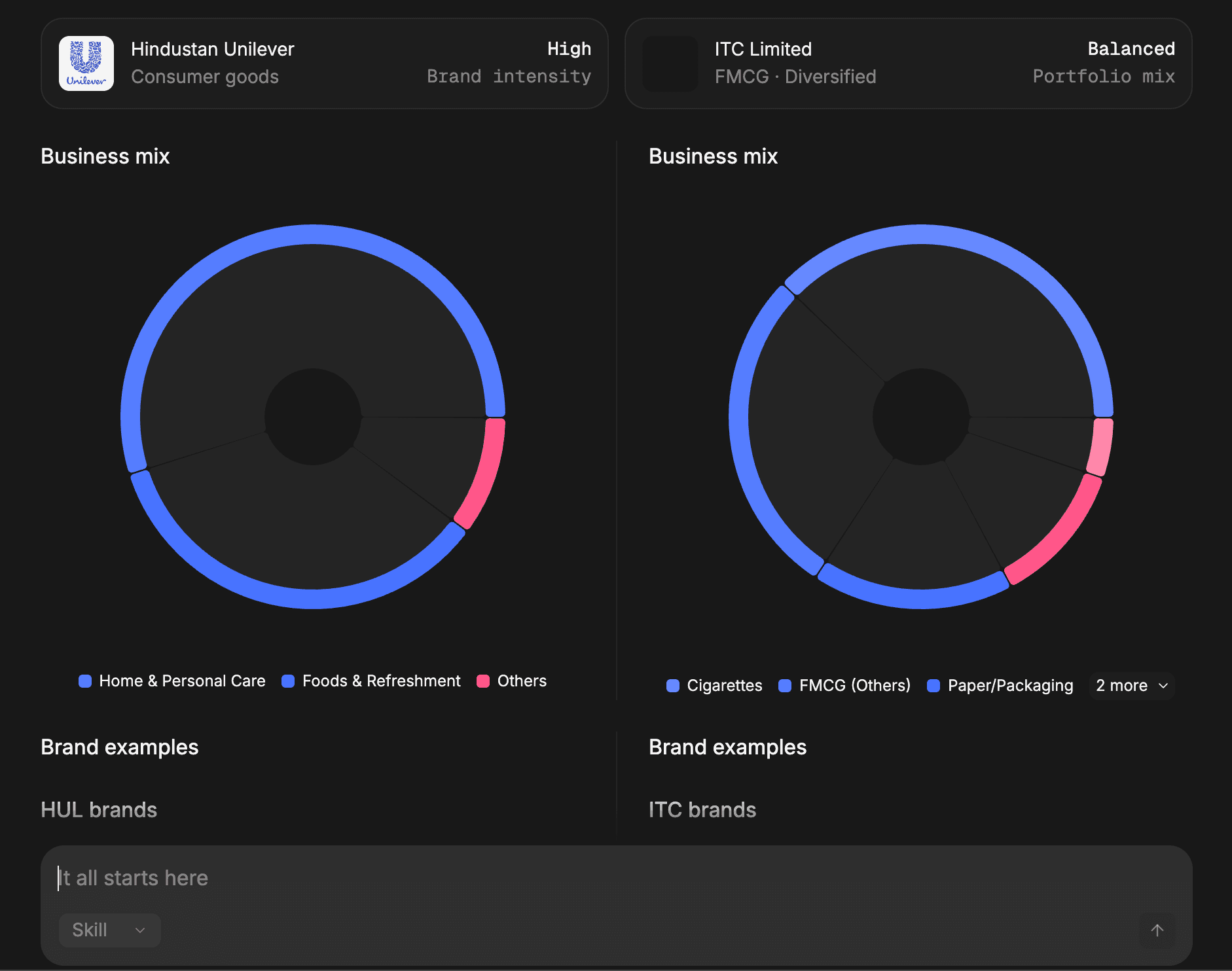
GenUI lets assistant messages render structured UI instead of plain text. To make it work, you need both sides of the setup:
componentLibraryon the frontend so OpenUI knows how to render components- a generated system prompt on the backend so the model knows what it is allowed to emit
Passing componentLibrary alone is not enough.
The frontend and backend have different jobs here:
- the frontend renders structured responses through
componentLibrary - the backend loads the generated system prompt and sends it to the model with each request
If either side is missing, the model falls back to plain text or emits components the UI cannot render.
Generate the system prompt with the CLI:
npx @openuidev/cli@latest generate ./src/library.ts --out src/generated/system-prompt.txtThe CLI auto-detects exported PromptOptions alongside your library, so examples and rules are included automatically. See System Prompts for details.
Use the chat library
openuiChatLibrary is optimised for conversational chat: every response is wrapped in a Card, and it includes chat-specific components like FollowUpBlock, ListBlock, and SectionBlock.
import { openAIAdapter, openAIMessageFormat } from "@openuidev/react-headless";
import { FullScreen } from "@openuidev/react-ui";
import { openuiChatLibrary } from "@openuidev/react-ui/genui-lib";

export default function Page() {
  return (
    <FullScreen
      processMessage={async ({ messages, abortController }) => {
        return fetch("/api/chat", {
          method: "POST",
          headers: { "Content-Type": "application/json" },
          body: JSON.stringify({
            messages: openAIMessageFormat.toApi(messages),
          }),
          signal: abortController.signal,
        });
      }}
      streamProtocol={openAIAdapter()}
      componentLibrary={openuiChatLibrary}
      agentName="Assistant"
    />
  );
}
In this setup:
- The system prompt is generated at build time via the CLI and loaded by the backend
openAIMessageFormat.toApi(messages)converts messages before sendingcomponentLibrary={openuiChatLibrary}tells the UI how to render the model outputopenAIAdapter()parses raw SSE chunks from the backend
This is the minimal complete pattern for GenUI in a chat interface. For a non-chat renderer or custom layout, use openuiLibrary and openuiPromptOptions from the same import path.
Plain text response

GenUI response
Use your own library
If you need domain-specific components, keep the same request flow and swap in your own library definition:
First, generate the system prompt from your custom library:
npx @openuidev/cli@latest generate ./src/lib/my-library.ts --out src/generated/system-prompt.txtThen wire up the frontend — it only needs the component library for rendering:
import { openAIMessageFormat, openAIReadableStreamAdapter } from "@openuidev/react-headless";
import { FullScreen } from "@openuidev/react-ui";
import { myLibrary } from "@/lib/my-library";

<FullScreen
  processMessage={async ({ messages, abortController }) => {
    return fetch("/api/chat", {
      method: "POST",
      headers: { "Content-Type": "application/json" },
      body: JSON.stringify({
        messages: openAIMessageFormat.toApi(messages),
      }),
      signal: abortController.signal,
    });
  }}
  streamProtocol={openAIReadableStreamAdapter()}
  componentLibrary={myLibrary}
  agentName="Assistant"
/>;
Your custom library needs two things:
- a
createLibrary()result, so the CLI can generate the system prompt and the frontend can render components - optional
PromptOptionsexport for examples and rules (auto-detected by the CLI)
Your backend loads the generated prompt file and sends it to the model alongside the message history.